
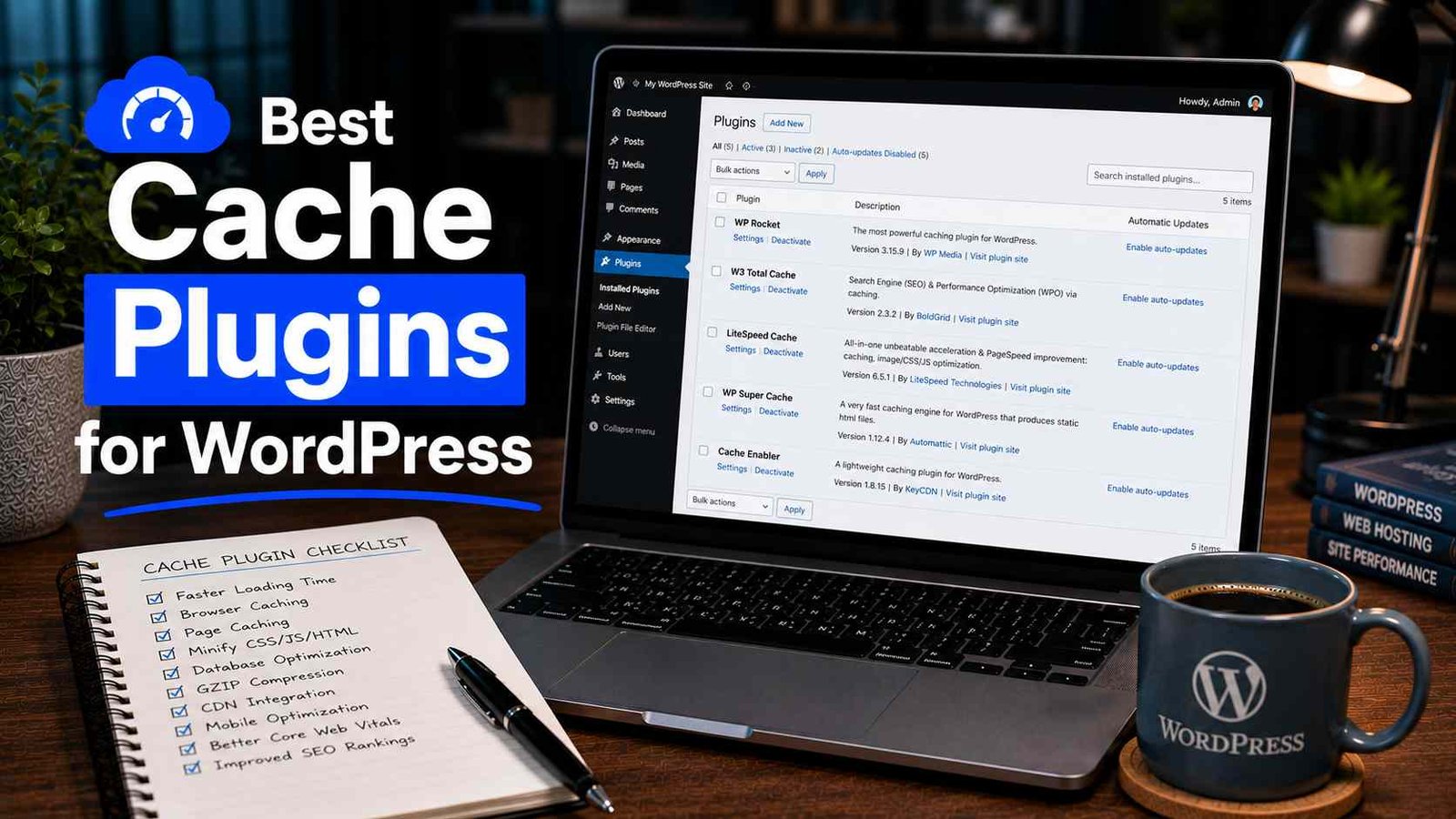

Best Cache Plugins for WordPress
My blog loaded in 7.2 seconds on mobile.
I didn’t know this for the first eight months of running it. I thought slow websites were other people’s problem — badly built sites, cheap hosts, heavy themes. My site felt fine when I was on my laptop, on my home WiFi, with a browser that had everything cached from the last time I visited.
Then I ran a GTmetrix test. 7.2 seconds. An F grade. And a list of recommendations so long I had to scroll.
The single biggest improvement came from one thing: installing a proper caching plugin. My load time dropped to 1.8 seconds within an hour of setup. Not from rewriting any code. Not from changing my hosting plan. Just from caching — something I’d heard about for years and never properly understood.
That experience turned me into someone who now tests caching plugins obsessively on every site I work on. I’ve tried most of the main options across different hosting environments, different themes, and different traffic levels. Here’s what I actually found.
What Caching Actually Does (In Plain English)
Before I get into the plugins, a quick explanation — because “caching” is one of those words that gets thrown around without anyone explaining what it means.
Every time someone visits a WordPress page without caching, your server does a bunch of work: it queries the database, pulls your post content, runs PHP code, assembles the HTML, and sends all of that to the visitor’s browser. This happens fresh every single time, for every visitor.
Caching short-circuits that process. The first time someone visits a page, the server does all that work — but then saves a ready-made HTML copy of the result. Every visitor after that gets the pre-built copy instead of making the server rebuild it from scratch. The server does less work, the page loads faster, and your hosting can handle more visitors without breaking a sweat.
That’s it. That’s caching. Now let’s talk about which plugin does it best.
1. WP Rocket — The One I Recommend Without Hesitation
WP Rocket is not free. It costs $59/year for a single site, and that price point puts some people off immediately. I understand that. But I’m going to make the case for it anyway because it’s genuinely the best caching plugin I’ve used, and for most WordPress bloggers the $59 is worth every cent.
Here’s what sold me on it:
When I installed WP Rocket on my blog (the one loading at 7.2 seconds), I turned on the default recommended settings and ran another GTmetrix test. Without touching any advanced options, without researching what “minification” means, without configuring a CDN — the load time dropped to 2.1 seconds on the first test.
I then spent another 20 minutes turning on a few more features — lazy loading for images, deferring non-critical JavaScript, enabling the CDN option with Cloudflare — and got down to 1.8 seconds.
That’s a 75% improvement in load time from a plugin I barely had to configure.
What WP Rocket does that free plugins struggle to match:
Page caching is just the start. WP Rocket also handles browser caching, GZIP compression, database optimization, lazy loading images and iframes, JavaScript deferring and delaying, CSS and JS minification, and CDN integration — all in one plugin, all with sensible defaults that work without deep technical knowledge.
The interface is also genuinely well-designed. Every setting has a clear explanation of what it does and why you might want to enable it. No cryptic options, no overwhelming settings panels.
The one real downside:
It’s not compatible with every hosting environment out of the box. If you’re on a managed WordPress host like WP Engine or Kinsta, those platforms have their own caching built in and WP Rocket’s page caching can conflict with it. WP Rocket actually detects some of these environments and disables certain features automatically — but always check with your host before installing.
Pricing: $59/year (1 site), $119/year (3 sites), $299/year (unlimited).
Best for: Bloggers and content sites on standard shared or VPS hosting who want excellent performance without becoming a caching expert.
2. LiteSpeed Cache — The Best Free Option (With a Catch)
If WP Rocket is the premium choice, LiteSpeed Cache is the free choice that punches well above its weight.
I’ve used it on three sites now and the results have been consistently excellent. On a client’s food blog that was running on LiteSpeed-powered hosting, I got the homepage load time from 4.8 seconds down to 1.4 seconds with LiteSpeed Cache — numbers that rival what I’ve seen from WP Rocket.
The catch I mentioned: LiteSpeed Cache works best — and unlocks its most powerful features — only when your server runs LiteSpeed web server technology. Many shared hosting providers use LiteSpeed (Hostinger, A2 Hosting, NameHero, and others), and on those hosts this plugin is genuinely exceptional.
If your host runs Apache or Nginx instead of LiteSpeed, the plugin still works and still provides page caching, but you lose access to the server-level optimization features that make it special. It becomes a decent free cache plugin rather than an outstanding one.
How to check if your host uses LiteSpeed:
Contact your host and ask. Most will tell you directly. Or install the plugin — if the LiteSpeed server features are greyed out with a note about “server not detected,” you’re not on a LiteSpeed host.
What LiteSpeed Cache includes for free:
Everything. Page caching, object caching, browser caching, image optimization (with a free quota), CDN support, database optimization, CSS/JS minification and combination, lazy loading, and more. This is a remarkable amount of functionality for a free plugin.
Pricing: Completely free. The QUIC.cloud CDN service (their companion CDN) has a free tier and paid plans.
Best for: Anyone on LiteSpeed-powered hosting who wants professional-grade caching at no cost. Also a good option for budget-conscious bloggers on other hosts who want a capable free solution.
3. W3 Total Cache — Powerful but Demanding
W3 Total Cache (W3TC) has been around since 2009 and is one of the most installed caching plugins in the WordPress ecosystem. It supports an impressive range of caching methods — database caching, object caching, opcode caching, browser caching, CDN integration across multiple providers — and it has a level of configurability that no other free plugin matches.
I used W3TC for about a year on an earlier blog and eventually switched away from it. Not because it stopped working, but because every WordPress update required me to recheck settings, and the interface requires genuine technical understanding to configure correctly.
The honest assessment:
W3 Total Cache is powerful. It can squeeze more performance out of a server than most other free plugins if you know what you’re doing. But “if you know what you’re doing” is doing a lot of heavy lifting in that sentence. The settings panel is intimidating. There are options that, if misconfigured, will break your site completely — blank pages, missing CSS, broken checkout processes.
I’ve seen W3TC installed on sites where the person had just clicked through settings randomly trying to improve speed and had actually made things significantly worse. That’s a real risk.
If you have a technical background, want granular control, and are willing to read documentation — W3TC is worth exploring. If you’re a blogger who wants something that just works, it’s probably not the right choice.
One specific use case where W3TC shines: high-traffic sites that need advanced object caching with Redis or Memcached. At that scale, the configuration complexity is justified by the performance gains.
Pricing: Free, with a premium version (W3 Total Cache Pro) at $99/year.
Best for: Developers, technically-inclined site owners, high-traffic sites needing advanced caching configurations.
4. WP Super Cache — Simple, Reliable, and Free
WP Super Cache is developed by Automattic — the company behind WordPress.com — which gives it a certain legitimacy. It’s been maintained for over a decade, it’s extremely stable, and it does one thing well: basic page caching.
I’ve installed WP Super Cache on a handful of small sites over the years, usually when I needed a quick, zero-fuss caching solution for someone who just needed the basics handled.
The setup is genuinely simple. You install it, click “Enable Caching,” and you’re done. There are advanced options if you want them, but most users never need to go beyond the basic configuration.
What it doesn’t do:
WP Super Cache is page caching only. It doesn’t handle minification, lazy loading, database optimization, or advanced CDN integration. For a small personal blog with moderate traffic, that’s fine — page caching alone makes a significant difference. For a site trying to push PageSpeed scores above 85, you’ll need to supplement it with other plugins for the features WP Super Cache doesn’t cover.
Pricing: Completely free.
Best for: Small blogs, personal sites, beginners who want simple page caching without configuration complexity.
5. Swift Performance — The WP Rocket Alternative Worth Knowing
Swift Performance is a plugin I started testing about six months ago after seeing it recommended in a WordPress developer community I’m part of. It’s less well-known than the others on this list but worth including because it genuinely competes with WP Rocket on features at a lower price point.
The setup wizard is excellent — it analyzes your site and recommends settings based on what it finds, which removes a lot of the guesswork from configuration. The results I’ve seen on test sites have been impressive: comparable speed improvements to WP Rocket on most metrics.
It includes page caching, object caching, CSS/JS optimization, image optimization, database cleanup, and CDN support — the full stack.
Why it’s not my top recommendation despite solid performance:
WP Rocket has years of polish, a massive user base, and a reputation for reliable compatibility with other plugins and themes. Swift Performance is newer and I’ve encountered one or two edge-case compatibility issues that required support tickets to resolve. The support team was responsive, but it added friction.
For a site owner who doesn’t mind occasional troubleshooting and wants to save some money versus WP Rocket, Swift Performance is worth evaluating.
Pricing: Free lite version. Pro starts at $29/year for a single site — significantly cheaper than WP Rocket.
Best for: Budget-conscious users who want premium features and are comfortable with a slightly less proven plugin.
Common Mistakes That Kill Performance (Even With a Cache Plugin)
Installing a cache plugin on managed WordPress hosting that already caches.
Kinsta, WP Engine, Flywheel, and similar managed hosts have server-level caching built in. Adding a caching plugin on top of their system often causes conflicts, not improvements. On these hosts, you generally don’t need — and shouldn’t install — a caching plugin. Use their built-in system and focus on image optimization and other performance improvements instead.
Enabling minification without testing first.
CSS and JS minification combines and compresses code files to reduce their size and number. When it works, it speeds up your site noticeably. When it conflicts with a plugin or theme, it breaks your site — missing styles, broken JavaScript functions, layouts that fall apart. Always enable minification settings one at a time and test after each one. Never enable everything at once and hope for the best.
Forgetting to clear cache after making changes.
Every caching plugin stores pre-built copies of your pages. When you update a post, change your theme settings, or update a plugin, visitors might still see the old cached version. Get in the habit of clearing your cache after any significant change. All the plugins on this list have a “Clear Cache” button — use it.
Running multiple caching plugins simultaneously.
Just like running two SEO plugins causes conflicts, running two caching plugins will break things. Two plugins trying to cache the same pages create conflicting cached files and unpredictable behavior. One caching plugin per site, always.
Never actually measuring the result.
Install the plugin, make some changes, and then measure. Use GTmetrix (free), Google PageSpeed Insights (free), or WebPageTest (free) to see your actual load time before and after. “It feels faster” is not a measurement. Numbers tell you whether your changes actually worked.
How to Actually Pick the Right One
Here’s the decision I’d walk through for any new site:
On LiteSpeed hosting (Hostinger, A2, NameHero, etc.) → LiteSpeed Cache. Free, excellent, specifically optimized for your server technology.
On standard shared hosting or VPS, willing to spend $59/year → WP Rocket. Best overall experience, least configuration required, consistently excellent results.
On standard hosting, need a free option → W3 Total Cache if you’re technically comfortable, WP Super Cache if you just want simplicity.
On managed WordPress hosting (Kinsta, WP Engine, Flywheel) → Skip the caching plugin entirely. Use your host’s built-in caching and focus on image optimization and CDN setup.
Want WP Rocket performance at a lower price → Test Swift Performance.
One Last Thing
A caching plugin is not a substitute for a decent hosting plan.
I’ve seen people install WP Rocket on the cheapest shared hosting available and wonder why their site is still slow. Caching reduces the work your server has to do — but if the server is severely underpowered, there’s a floor below which no caching plugin can take you.
If you’ve installed a caching plugin, configured it properly, and your load time is still above 4-5 seconds, the bottleneck is almost certainly your hosting. At that point, it’s worth looking at mid-range hosting options — SiteGround’s GrowBig plan, Cloudways with a DigitalOcean droplet, or HostingerBusiness plan are all reasonable steps up that make a significant difference.
Sort the foundation, then optimize on top of it. In that order.
Any Question? Contact Us
