
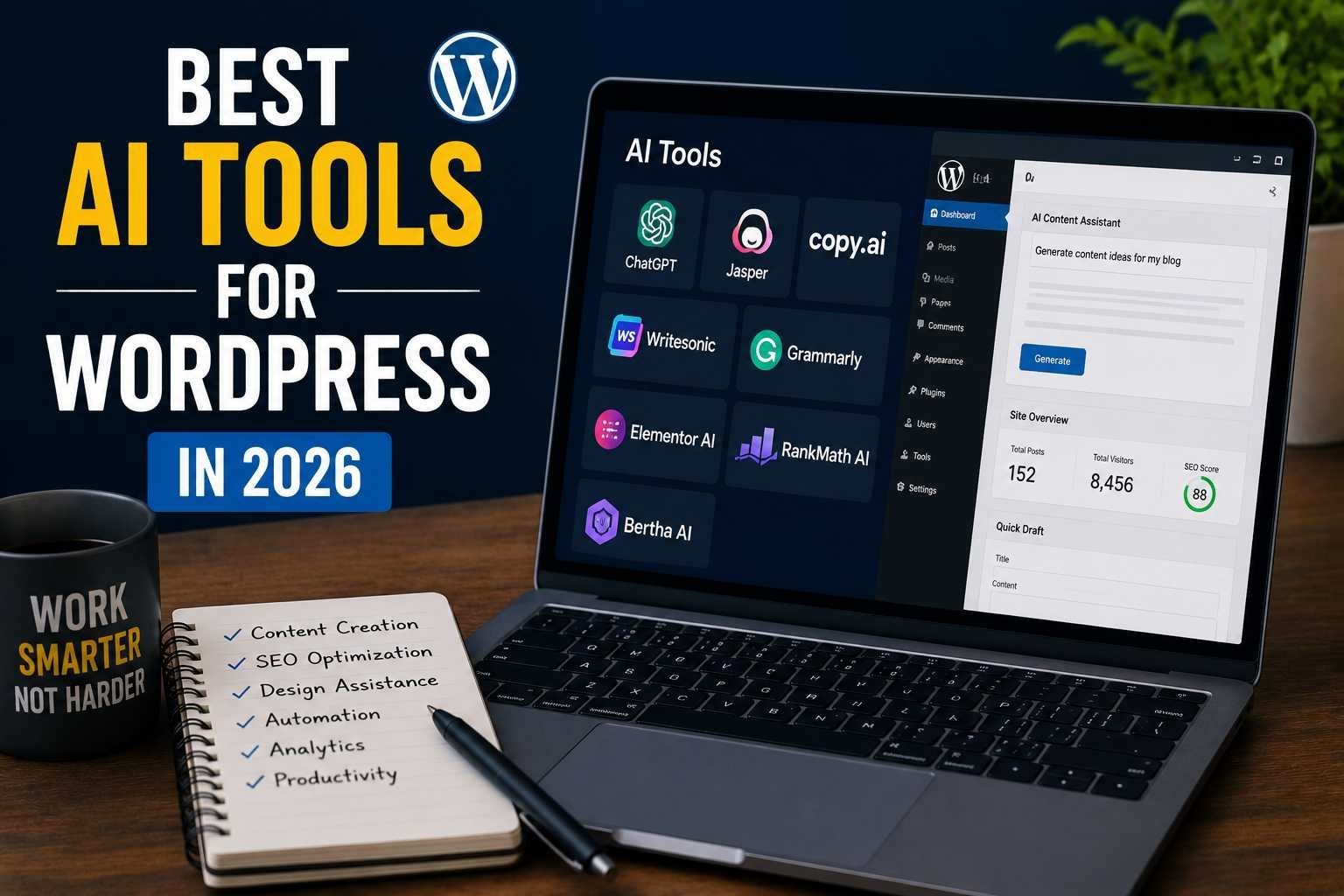

Last year, I spent three hours rewriting a single product description for a client’s WooCommerce store. Three hours. For one paragraph. I kept second-guessing the tone, the keywords, whether it was compelling enough — it was exhausting. A colleague nudged me toward trying AI tools for the workflow, and honestly? I resisted for longer than I should have.
Now I can’t imagine running a WordPress site without them.
But here’s the thing nobody tells you upfront: not all AI tools for WordPress are worth your time. Some are genuinely game-changing. Others are glorified autocomplete dressed up in a fancy dashboard. I’ve tested a lot of them — for content, SEO, design, customer support, and general site management — and I want to share what’s actually working in 2026.
Why WordPress + AI Is Such a Big Deal Right Now
WordPress still powers a massive chunk of the internet. And for a long time, the platform was powerful but slow to adapt when it came to AI-native features. That’s changed dramatically.
The plugin ecosystem has exploded with AI integrations, and even the Gutenberg block editor now plays nicely with several AI writing assistants. Whether you’re running a blog, an eCommerce store, or a client agency site — there’s an AI tool designed to fit right into your existing setup.
Let me walk you through the ones worth paying attention to.
1. Bertha AI — For Content That Doesn’t Sound Like a Robot
I’ll be upfront: Bertha AI was the first WordPress-native AI tool I tried, and it surprised me. It lives directly inside the WordPress editor, which means you’re not copying and pasting from another tab. You just highlight where you want content and start generating.
It’s particularly good for:
- Writing product descriptions at scale
- Generating blog post intros when you’re staring at a blank screen
- Creating meta descriptions in bulk (this saved me hours on a large site migration)
The downside? It sometimes gets a little generic if you give it a vague prompt. I learned quickly to be specific — instead of “write about coffee,” I’d say “write a 100-word intro for a specialty coffee subscription targeting busy professionals who care about ethical sourcing.” Night and day difference.
Best for: Bloggers, content marketers, WooCommerce store owners
2. Rank Math AI — SEO Guidance That Actually Makes Sense
I’ve been a Rank Math user for years, but their AI features in 2026 are a serious upgrade from where they started. The content AI assistant now analyzes your draft in real time and gives you actionable suggestions — not just keyword density alerts, but actual recommendations like “your intro buries the main topic” or “add a FAQ section to match search intent.”
What I really appreciate is the tone: it doesn’t talk to you like you’re an idiot, and it doesn’t hide useful features behind confusing menus.
One feature I use constantly is the AI-powered title generator. You paste in your main keyword, tell it a bit about your audience, and it spits out 10–15 title variations with estimated CTR scores. I don’t always use the exact suggestions, but they’re great for breaking a creative block.
Best for: Anyone serious about SEO who wants AI to work within their existing workflow
Common mistake I made early on: I treated every AI suggestion as gospel. Don’t. Use it as a starting point. The AI doesn’t know your specific audience the way you do.
3. Divi AI — For People Who Hate Fighting With Page Builders
I know Divi is a love-it-or-hate-it thing in the WordPress community. But their AI integration has genuinely won me over. You can now type a natural language prompt inside the builder — something like “create a hero section for a yoga studio, warm tones, minimal text, CTA button” — and it’ll generate a section layout for you.
It’s not perfect. Sometimes the color choices are questionable, and you’ll still need to tweak things. But as someone who used to spend 45 minutes just setting up a basic section layout, getting a workable draft in 30 seconds is a pretty big deal.
The AI text feature inside Divi is also solid. It’s aware of the context around it — so if you’re editing a pricing section, it’ll write copy that fits that context, not just generic filler.
Best for: Freelancers and agencies building client sites under tight deadlines
4. ChatGPT + WPCode — An Underrated Power Combo
This one isn’t a plugin you install once and forget. It’s more of a workflow. Here’s how I use it:
- I describe what I want a snippet to do in plain English — say, “show a sticky discount banner only on product pages for users who haven’t purchased before”
- I paste that into ChatGPT and ask for the PHP/CSS/JS code
- I test and review the output
- I paste it into WPCode (a code snippet manager plugin) instead of touching functions.php
This combo has helped me add custom functionality to sites without hiring a developer for every small task. It’s also saved clients real money.
Warning though: Don’t paste AI-generated code directly into production without testing it on a staging site first. I learned that the hard way with a snippet that accidentally broke a checkout page on a Friday afternoon. Not fun.
5. Tidio AI — For Sites That Need Customer Support Without a Full Team
If you run an eCommerce store or any site with a lot of inbound questions, Tidio has become one of the smartest live chat + AI chatbot combinations I’ve seen. Their AI Lyro feature can handle a surprisingly large portion of customer queries on its own — things like order status, return policies, product compatibility questions.
What I like is that it’s trained on your own content. You point it at your FAQ page, your product documentation, your knowledge base — and it actually learns from that. It doesn’t just make stuff up (which was my big fear with AI chatbots).
The fallback to a human agent is smooth, and you can customize when and how the handoff happens.
Best for: WooCommerce stores, SaaS landing pages, membership sites
6. Jetpack AI — The Easiest On-Ramp If You’re Just Getting Started
If you’re already using Jetpack (and a lot of WordPress sites are), their AI assistant is baked right in. It’s not the most powerful option on this list, but it’s extremely easy to use and doesn’t require you to set up anything new.
You can use it to:
- Draft and expand blog posts
- Summarize long-form content
- Adjust tone (make it more formal, more casual, shorter, longer)
- Generate table of contents
For someone just dipping their toes into AI-assisted content creation, Jetpack AI is a comfortable starting point. Once you outgrow it, you can graduate to something more specialized.
7. AI Engine by Jordy Meow — For the Tinkerers
This one’s more technical, but incredibly flexible. AI Engine is a plugin that lets you connect your own OpenAI or other API key and build custom AI features directly into WordPress — things like chatbots, content generators, image tools, and even moderation systems.
What makes it stand out is control. You’re not locked into whatever the plugin developer thinks you need. You define the prompts, the context, the models.
I’ve used it to build a simple internal content brief generator for a client’s editorial team — they fill out a form with topic, audience, tone, and word count, and the AI spits out a structured brief automatically. The client was thrilled. Setup took maybe two hours.
Best for: Developers, agencies, power users who want to build custom AI experiences into their sites
Mistakes I’ve Seen People Make (Including Myself)
Publishing without editing. AI content is a draft, not a finished product. It needs a human pass — for accuracy, voice, and anything that requires actual expertise or recent knowledge.
Ignoring context in prompts. Vague prompts get vague results. Always give the AI as much relevant context as you can: the audience, the purpose, the tone, any constraints.
Overloading a site with AI plugins. I once installed four different AI tools on a single site — they conflicted with each other and slowed the admin panel to a crawl. Pick two or three that complement each other and do them well.
Forgetting about privacy. If you’re using AI chatbots or tools that process user data, make sure you’re compliant with your region’s privacy regulations. This is especially important for European audiences and GDPR.
How to Choose the Right AI Tool for Your WordPress Site
Ask yourself a few questions before you install anything:
What’s your biggest time drain right now? Content? SEO? Customer support? Design? Start with the tool that solves your most painful problem.
What’s your technical comfort level? If you’re not a developer, start with something that lives inside the WordPress editor. If you are, something like AI Engine gives you far more flexibility.
What’s your budget? Most of these tools have free tiers or affordable starter plans. You don’t need to spend a fortune to get real value.
Are you building for yourself or clients? Client sites have extra considerations — reliability, support, how the tool handles updates — that matter more than for personal projects.
Where Things Are Heading
The WordPress AI ecosystem in 2026 is maturing fast. A year ago, most of these tools felt like novelties. Now they feel like genuine infrastructure for running a modern site efficiently.
The tools that are winning aren’t the ones making the boldest claims. They’re the ones that fit quietly into your existing workflow and make specific tasks noticeably faster or better.
That’s still the right lens for evaluating any new AI tool: does it solve a real problem in your specific situation? If yes — try it. If it’s solving a problem you don’t actually have, skip it and move on.
The goal was never to have AI run your website. It’s to spend less time on the tedious stuff so you have more energy for the work that actually requires you.
Have a WordPress AI tool you swear by that didn’t make this list? Drop it in the comments — I’m always testing new things.
Any Question? Contact Us
