
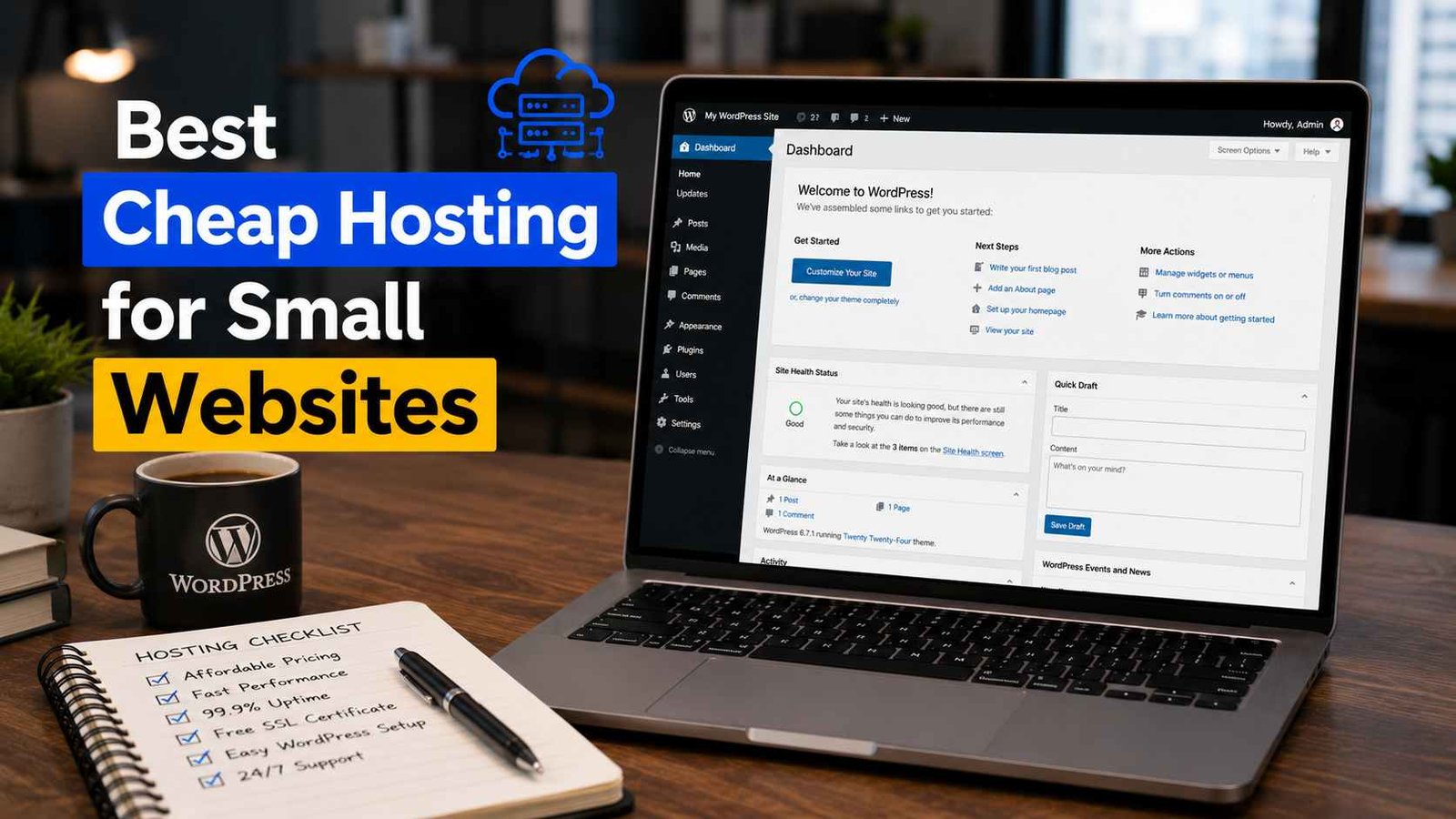

Best Cheap Hosting for Small Websites
A few years ago, a cousin of mine asked me to help him set up a small website for his clothing business. Nothing fancy — just a few pages, some product photos, a contact form. He had a tight budget and kept asking me, “Do I really need to spend a lot on hosting for something this small?”
I told him no. And then I spent the next two hours going down a rabbit hole trying to figure out which cheap hosting option was actually worth recommending — because I’d been burned before by picking the wrong one based on price alone.
I’ve hosted small sites on at least six or seven different providers over the years. Some were genuinely great value, some were fine, and one was an absolute nightmare of downtime and support tickets. Here’s what I’ve actually learned.
What “Cheap Hosting” Actually Means (And What to Watch For)
When most hosting companies advertise a $1.99/month or $2.99/month price, there’s almost always a catch — that price is locked in only if you sign up for two or three years upfront. Renew after that? The price often jumps significantly.
I’m not saying this to talk you out of budget hosting. I’m saying it so you go in with eyes open, read the renewal terms before committing, and aren’t shocked two years later when your bill is three times higher.
Also, “cheap” doesn’t have to mean “bad.” For a small website — a blog, a portfolio, a local business site, a small affiliate site — you genuinely don’t need enterprise-level hosting. Shared hosting at a decent provider handles these use cases without breaking a sweat.
What you do need, even at the budget level: decent uptime (99.9% is the standard promise), responsive support, free SSL, and a control panel that doesn’t make you want to flip a table.
The Hosts I’d Actually Recommend
1. Hostinger — Best Overall Value for Small Sites
I keep coming back to Hostinger for small projects, and I’ve recommended it to more people than I can count at this point.
Their entry-level shared hosting plans are among the most affordable options available, and the performance for small sites is genuinely solid. I have a small affiliate blog running on their basic plan that loads quickly, stays up consistently, and has never given me real trouble.
What I like most is their hPanel — it’s cleaner and more beginner-friendly than old-school cPanel. Installing WordPress takes about five minutes, SSL is included for free, and their live chat support has helped me sort out issues quickly on the rare occasions something went wrong.
The one thing to watch: introductory pricing vs. renewal pricing. Like most hosts, the discount applies to your first billing period. Make sure you’re comfortable with the renewal rate before signing up for a longer term.
Best for: Bloggers, small business sites, portfolio sites, beginners who want a simple setup.
2. SiteGround — Slightly Pricier But Noticeably More Polished
SiteGround costs a bit more than Hostinger, and I’ll be upfront about that. But the reason I still recommend it — especially to people who value quality support — is that their customer service is genuinely one of the better experiences I’ve had in hosting.
I set up a small client website on SiteGround a couple of years back. One afternoon, a plugin update caused a conflict that took the site down. I contacted SiteGround’s support, and they had it diagnosed and resolved in under 20 minutes. That kind of responsiveness is worth something when a business’s website is involved.
Their starter plan includes daily backups, free SSL, CDN access, and their own caching setup. For a small site, you probably won’t need anything beyond their basic tier.
Best for: Small business websites where reliability and support quality matter more than getting the absolute lowest price.
3. Namecheap Hosting — Surprisingly Decent for the Price
Namecheap is mostly known as a domain registrar, but their shared hosting is worth considering if you’re already buying a domain there and want to keep everything in one place.
I used their EasyWP managed WordPress hosting for a test blog project once. It wasn’t the fastest thing I’ve ever used, but for a simple content blog with modest traffic, it did the job without any serious issues. The price is competitive, the dashboard is simple enough, and having hosting and domain management in one account is genuinely convenient.
Best for: People who already buy domains on Namecheap and want simple, affordable hosting without switching platforms.
4. DreamHost — Good for WordPress, No Upsell Pressure
DreamHost has been around for a long time, and their shared hosting plans offer decent value — especially if you’re building a WordPress site. They’re also one of the few hosts that offers a monthly billing option on shared hosting, which is useful if you’re not ready to commit to a multi-year plan upfront.
Something I appreciated about DreamHost: their checkout process and dashboard don’t bombard you with constant upsells and add-ons the way some hosts do. What you see is fairly close to what you get.
They also offer a 97-day money-back guarantee on shared hosting — which is one of the longest in the industry and suggests they’re reasonably confident in what they’re offering.
Best for: WordPress users who want flexibility (monthly billing option) and a straightforward experience without heavy upselling.
5. Bluehost — Popular for a Reason, But Read the Fine Print
Bluehost is one of the most widely recommended hosting providers for beginners, largely because of its long-standing partnership with WordPress.org. It’s hard to browse any “best hosting” list without seeing it near the top.
My honest take: Bluehost is a solid option, especially if you’re setting up a WordPress site for the first time. The WordPress integration is smooth, and most beginners find the interface manageable.
Where I’d push back slightly: their introductory pricing is very attractive, but renewal prices are noticeably higher, and their support experience has been inconsistent in my observations — some interactions are great, others less so. Not a dealbreaker, but worth knowing.
Best for: First-time WordPress users who want a familiar, widely-documented platform with a lot of community support and tutorials available online.
How to Actually Choose Between These
Here’s the honest framework I use when recommending hosting to someone for a small site:
Tightest budget possible + beginner-friendly setup = Hostinger Their pricing is hard to beat, hPanel is simple, and the performance is more than enough for small sites.
Small business site where reliability matters = SiteGround Slightly more expensive but genuinely better support experience, which matters when your website represents your business.
Already using Namecheap for domains = Namecheap hosting Convenience of one platform, competitive pricing, decent for basic WordPress blogs.
Want monthly billing flexibility = DreamHost No two or three year commitment required — rare in budget hosting.
First-time WordPress user who wants lots of tutorials and community help = Bluehost Widely used, well-documented, solid WordPress integration.
Mistakes I’ve Seen (And Made) When Picking Budget Hosting
Choosing based only on the advertised price. That $1.99/month deal is real — for the first term. Always check what it renews at before committing.
Not checking how many websites are allowed. Some entry-level plans only allow one website. If you plan to grow or run multiple projects, look at plans that allow multiple sites.
Ignoring uptime history. A cheap host that’s down 10% of the time isn’t a bargain — it’s a liability. Look for providers that publish uptime records or check independent monitoring sites for data.
Skipping free SSL. All five hosts I mentioned include free SSL certificates. If a budget host is charging extra for this in 2026, walk away.
Not checking if backups are included. Some cheaper plans don’t include automatic backups or charge extra for them. UpdraftPlus is a free WordPress plugin that can handle backups, but it’s worth knowing what your host offers by default.
Picking a host with no live chat support. When something breaks at 11 PM, email support with a 24-48 hour response time isn’t helpful. All the hosts I’ve listed above offer live chat — keep that as a baseline requirement.
A Real-World Example
Going back to my cousin’s clothing business website — we ended up going with Hostinger. The whole setup took about 45 minutes from signing up to having a live WordPress site with a theme installed and the basic pages created.
His site has been running for over a year now without a single major issue. Loads quickly, stays up, and he was able to make basic content updates himself after I showed him the WordPress dashboard for about 20 minutes.
Total cost for the first year, including domain and hosting: less than the price of two decent restaurant meals. For a small business that genuinely needs an online presence, that’s hard to argue with.
Final Thoughts
There’s no single “best” cheap hosting that works for everyone — it depends on what you’re building, how comfortable you are with tech, and what you prioritize (pure price, support quality, flexibility, etc.).
What I can tell you from experience is that for small websites in 2026, you genuinely don’t need to spend a lot to get reliable, fast, professional hosting. The hosts I’ve listed above all offer solid value at the budget end of the market — you just need to match the right one to your specific situation.
Pick one, get your site live, and don’t look back. The time you spend agonizing over which host to pick is time you could be spending building your actual website.
Any Question? Contact Us
