
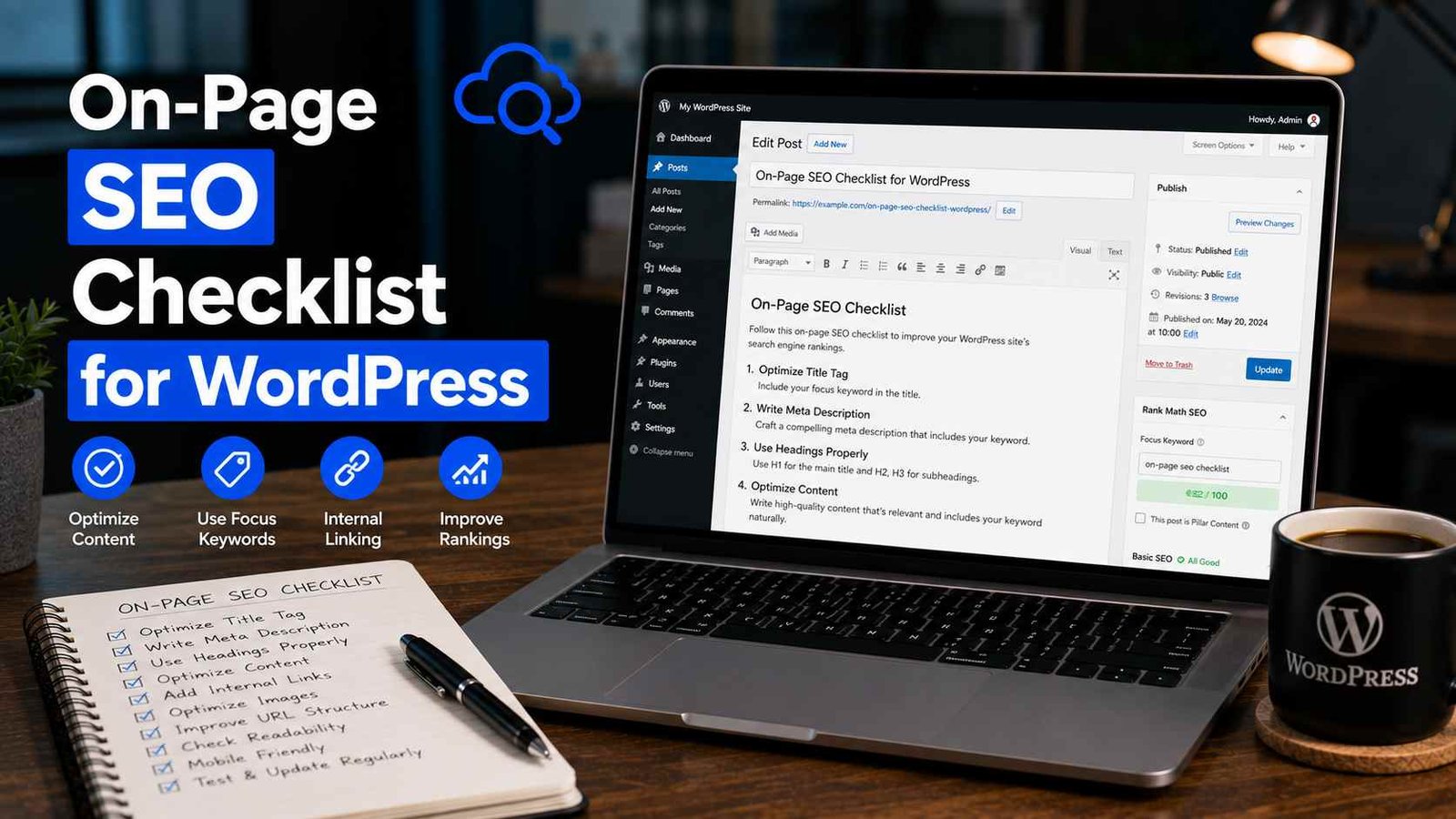

On-Page SEO Checklist for WordPress
I published 40 blog posts in six months and got almost zero traffic from Google.
Not a typo. Forty posts. Six months. Crickets.
I was writing consistently, the content was decent, and I genuinely thought I was doing SEO. I had Yoast installed. I was using keywords. I even had a sitemap. But I was missing a huge chunk of on-page fundamentals — the kind of stuff nobody explains clearly until you’ve already wasted months finding out the hard way.
When I finally sat down and audited my posts properly, the problems were everywhere. Wrong title structures. Images with no alt text. Slugs that looked like /p=247. Internal links? Almost none. It was a mess.
After fixing those issues — methodically, post by post — my organic traffic went from basically nothing to a consistent stream within about three months. Same content. Same domain. Just properly optimized.
That experience is what this checklist is built on. Not theory. What actually worked.
First, Let’s Clarify What On-Page SEO Actually Is
On-page SEO is everything you control on your own page — your title, headings, content, images, links, URL structure, page speed — as opposed to off-page SEO which is mostly about backlinks from other sites.
The good news: on-page is 100% in your hands. You don’t need to wait for anyone else. You just need to know what to fix.
Let’s go through it piece by piece.
✅ 1. Start With the Right Keyword (Before You Write Anything)
This sounds obvious, but most beginners pick keywords based on gut feeling rather than actual data. I did this for months.
Before writing any post, spend ten minutes on keyword research. You don’t need an expensive tool to get started. Google Search Console (free), Ubersuggest (has a free tier), and even Google’s autocomplete can tell you what people are actually searching for.
What you’re looking for:
- A keyword with real search volume (people are actually searching for it)
- Not so competitive that you have zero chance of ranking as a newer site
- Matches what your post is actually about (search intent)
That last one — search intent — is the thing most guides skip. If someone searches “best WordPress themes,” they want a list. If they search “how to install a WordPress theme,” they want a tutorial. Write the wrong type of content for a keyword and you won’t rank, even if everything else is perfect.
✅ 2. Optimize Your Title Tag (Not Just the Post Title)
Your post title in WordPress and your SEO title tag are two different things — and most beginners don’t realize that.
The post title (H1) is what appears on your page. The SEO title tag is what shows up in Google search results. They can — and often should — be slightly different.
In Rank Math or Yoast SEO, you’ll see a field specifically for the SEO title when you scroll down on the post editor. Use it.
Rules for a good title tag:
- Include your primary keyword, ideally near the beginning
- Keep it under 60 characters (longer gets cut off in search results)
- Make it compelling — people need to actually want to click it
- Don’t stuff it with keywords — one or two is enough
Bad example: WordPress SEO Tips SEO Guide WordPress Beginners SEO 2026
Good example: On-Page SEO Checklist for WordPress (That Actually Works)
See the difference? One looks spammy, one looks like something a human wrote.
✅ 3. Write a Meta Description That Gets Clicks
The meta description doesn’t directly affect your ranking, but it absolutely affects whether people click your link in search results. And click-through rate does influence rankings indirectly.
A good meta description:
- Is 150–160 characters
- Includes your primary keyword naturally
- Tells the reader exactly what they’ll get
- Has a soft call to action (“Learn how,” “Find out,” “Here’s what worked”)
Again, set this in Rank Math or Yoast — there’s a dedicated field for it below your post editor. Don’t skip it or Google will just pull a random snippet from your content, which is rarely ideal.
✅ 4. Fix Your URL Slug
When you create a new post in WordPress, the default URL slug can be ugly — sometimes it’s the full title with every word, sometimes it’s a number like ?p=143.
Go to Settings → Permalinks and make sure you’re using Post name as your structure. This gives you clean URLs like yoursite.com/on-page-seo-checklist instead of yoursite.com/?p=143.
Then, for each individual post, manually edit the slug to be:
- Short (3–5 words is ideal)
- Include your primary keyword
- No dates unless your content is truly time-sensitive (dates make posts look stale)
- All lowercase, words separated by hyphens
Example: /on-page-seo-wordpress instead of /on-page-seo-checklist-for-wordpress-beginners-2026-complete-guide
Short and clean always wins.
✅ 5. Use Headings Properly (H1, H2, H3)
Your heading structure is like a table of contents for both readers and Google. It tells everyone what a page is about and how it’s organized.
H1 — Your main post title. There should only be one H1 per page. WordPress automatically makes your post title the H1, so don’t add another one manually.
H2 — Main sections of your post. These should include your secondary keywords naturally, not forced.
H3 — Subsections under H2s. Use when a section needs further breakdown.
The mistake I kept making early on: writing walls of text with no headings. Readers can’t skim it, Google can’t understand the structure, and the post feels exhausting to get through. Break everything up.
✅ 6. Keyword Placement in Your Content
You don’t need to mention your keyword every other sentence — that’s old-school SEO thinking and it actually hurts readability. What you do want:
- First 100 words: Include your primary keyword naturally in the opening paragraph
- Throughout the content: Use it a few times, plus related terms (synonyms, variations)
- Subheadings: Where it fits naturally
- Last paragraph: Mention it once more in your closing
That’s genuinely it. Write for humans first. Google is smart enough now to understand context — you don’t need to repeat the exact phrase ten times.
A tool that helps with this: Rank Math’s Content AI shows you related terms and questions to cover in your post, which naturally increases topical depth without keyword stuffing.
✅ 7. Optimize Every Single Image
This one was my biggest blind spot for ages. Images have three SEO-relevant elements that beginners almost always ignore:
File name: Before uploading, rename your image file to something descriptive. DSC_00472.jpg tells Google nothing. on-page-seo-wordpress-checklist.jpg tells Google exactly what the image is.
Alt text: This is a text description of the image, used by screen readers for accessibility and by Google to understand what the image shows. Add it every time. In WordPress, you’ll see the alt text field in the image block settings. Keep it descriptive and include your keyword where it genuinely fits.
File size: Large images slow your site down, and site speed is a ranking factor. Before uploading, either compress images manually using a tool like Squoosh (free, browser-based) or install a plugin like ShortPixel or Smush that compresses automatically on upload.
I once had a post that was ranking on page two for months, stuck. I compressed the images on that page, improving load time by about 1.5 seconds. It moved to position six on page one within a few weeks. Correlation isn’t causation, but it’s hard to ignore.
✅ 8. Internal Linking — The Most Underused SEO Tactic
Every time you publish a new post, you should be linking to at least two or three other relevant posts on your site. And you should go back to older posts and add links pointing to the new one.
Why it matters:
- It helps Google discover and crawl your other pages
- It passes “link equity” between pages
- It keeps readers on your site longer
- It shows Google the relationship between your content
The anchor text (the clickable words in a link) should be descriptive, not generic. “Click here” tells Google nothing. “On-page SEO checklist for WordPress” tells Google exactly what the linked page is about.
I do a quick internal link audit after every five posts I publish — just a 15-minute session where I look for opportunities to connect new content to old content. It adds up over time.
✅ 9. Write Content That’s Actually Long Enough
There’s no magic word count for SEO. Anyone who tells you “every post needs to be 2,000 words” is oversimplifying.
What matters is: does your content fully answer the question someone was asking? Some topics need 500 words. Some need 3,000.
A good benchmark: search your target keyword in Google and look at the top 3–5 results. How long are they? How deep do they go? Your content should be at least as comprehensive, ideally more so.
Also look at what subtopics the top results cover. If four out of five results include a FAQ section, or a comparison table, or a step-by-step guide — take that as a signal that users want that format.
✅ 10. Page Speed and Core Web Vitals
Google officially uses page speed as a ranking factor, specifically through a set of metrics called Core Web Vitals. You don’t need to understand every technical detail, but you do need to know how your site performs.
Check it free at Google PageSpeed Insights — just paste your URL. It gives you a score from 0–100 for both mobile and desktop, plus specific recommendations.
Common fixes that make the biggest difference:
- Compress your images (mentioned above)
- Use a caching plugin like WP Rocket or the free W3 Total Cache
- Use a fast, lightweight theme (Astra, GeneratePress, Kadence)
- Minimize unnecessary plugins
Aim for above 70 on mobile as a baseline. Above 90 is excellent.
✅ 11. Make Sure Your Post Is Mobile-Friendly
More than half of web traffic globally comes from mobile devices. If your post is hard to read on a phone — tiny text, elements overlapping, buttons too small to tap — that’s an SEO problem as much as a user experience problem.
After publishing any post, pull it up on your actual phone and scroll through it. Don’t just rely on the desktop preview. Look for:
- Text that’s too small to read comfortably
- Images that overflow the screen
- Buttons or links that are too close together to tap accurately
- Content that requires horizontal scrolling
Most modern WordPress themes handle this well automatically, but it’s worth verifying every time.
✅ 12. Add Schema Markup Where Relevant
Schema markup is a bit of code that helps Google understand what type of content you have — an article, a recipe, a FAQ, a review, a how-to guide. When Google understands this, it can show rich results in search (like star ratings, FAQ dropdowns, recipe previews).
You don’t need to code this manually. Rank Math adds basic schema automatically and lets you choose schema types per post. For most blog posts, “Article” schema is applied automatically. For how-to guides, add “HowTo” schema. For FAQ sections, add “FAQ” schema.
Rich results get higher click-through rates. It’s free to implement and takes two minutes in Rank Math.
Common On-Page SEO Mistakes I See All the Time
Targeting keywords that are way too competitive. If you’re a new site, you’re not outranking Forbes or HubSpot for broad keywords. Start with longer, more specific phrases where you can realistically compete.
Ignoring existing content. Most people focus all their SEO energy on new posts while their older posts sit there unoptimized. Spend some time each month going back and improving old content — updating information, adding internal links, fixing titles. It often produces faster results than publishing new content.
Changing URLs on existing posts. If a post is already indexed and getting some traffic, don’t change the URL slug without setting up a redirect. I broke several pages early on by cleaning up slugs without redirects. The traffic just vanished.
Obsessing over the Yoast/Rank Math green light. The green dot in these plugins means you’ve hit their basic checklist — it doesn’t mean your post will rank. I’ve ranked posts with “orange” scores and failed to rank posts with perfect green scores. The tools are helpful guides, not guarantees.
Not updating content. A post about “best tools in 2023” sitting untouched in 2026 is a problem. Google favors fresh, accurate content. Update your dates, refresh your recommendations, add new information. It takes less time than writing from scratch and can re-energize a page that’s been slipping in rankings.
The Quick-Reference Version
Here’s the checklist condensed, for when you’re in the editor and just need a fast reminder:
- Primary keyword researched and confirmed
- SEO title written (under 60 chars, keyword near front)
- Meta description written (150–160 chars, includes keyword)
- URL slug clean and keyword-included
- H1 is your post title (only one H1)
- H2s and H3s used to organize content
- Keyword appears in first 100 words
- Images have descriptive file names
- All images have alt text
- Images compressed before upload
- At least 2–3 internal links added
- Content fully covers the topic
- PageSpeed checked and above 70 on mobile
- Post reviewed on actual mobile device
- Schema markup set in Rank Math/Yoast
The Honest Truth About On-Page SEO
None of this is magic. You won’t publish a perfectly optimized post on Monday and hit page one by Friday. SEO is slow, and anyone who tells you otherwise is selling something.
But the cumulative effect is real. Every post you optimize properly is compounding. Every internal link you add strengthens your whole site. Every image you fix slightly improves your load time.
When I look back at my site now versus the version that was getting zero traffic, the content isn’t dramatically different. The optimization is. That’s the part that made the difference.
Go back to your last five posts and run through this checklist on each one. You might be surprised what you find.
Something on this list that confused you or you want me to go deeper on? Leave a comment — I’m happy to explain anything further.
Any Question? Contact Us
