
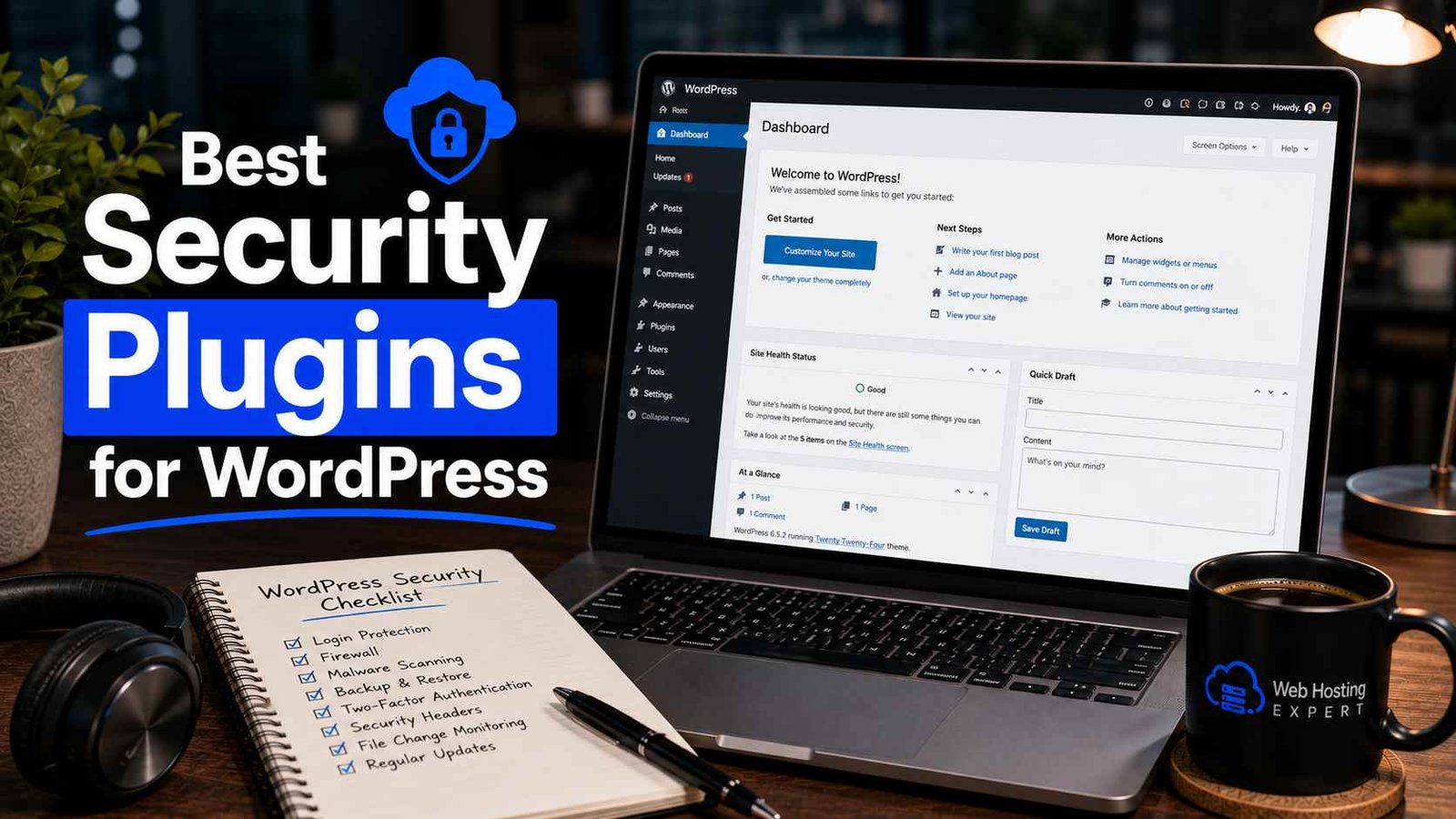

Best Security Plugins for WordPress
I got an email from my hosting provider one morning that just said “we’ve suspended your account due to malicious activity detected on your site.” No warning, no heads-up beforehand, just suspended.
Turns out my site had been quietly injecting spam links into hundreds of pages for weeks before anyone — including me — noticed. I found out later it came through an outdated plugin I’d forgotten even existed, installed two years earlier for some feature I stopped using.
That was the day I actually started taking WordPress security seriously instead of just assuming “it probably won’t happen to me.” Since then I’ve run Wordfence, Sucuri, and Solid Security (the rebranded iThemes Security) across different sites, and I’ve got actual opinions now instead of just repeating whatever a “best plugins” listicle says.
Why This Isn’t Optional Anymore
I used to think security plugins were something only big businesses or online stores needed. My little blog felt too small and boring for anyone to bother hacking.
That logic is completely backwards. Most WordPress attacks aren’t targeted at you specifically — bots scan the entire ecosystem looking for known vulnerabilities, and the majority of WordPress vulnerabilities, around 96%, come from plugins, with another 4% from outdated themes. It’s automated. Your site doesn’t need to be popular to get hit, it just needs an outdated plugin sitting there, like mine did. WP UmbrellaWP Umbrella
What I Actually Learned Trying Different Plugins
Wordfence — The One I’d Recommend First, With a Caveat
Wordfence was my first real security plugin after the hack, and it’s still installed on two of my sites today.
It’s the most widely trusted WordPress security plugin out there, with millions of active installs, and its firewall and malware scanner run directly inside WordPress itself, giving it visibility that purely cloud-based tools can’t match. The free version genuinely works — it includes real-time traffic monitoring, brute-force protection, a functional firewall, and malware scanning at zero cost. SmackcodersSmackcoders
Here’s the honest downside I ran into myself: on one of my sites running cheap shared hosting, Wordfence noticeably slowed things down. It requires a fair amount of server resources and isn’t always compatible with shared hosting environments. I moved that particular site to Sucuri instead and the speed difference was noticeable. WP Umbrella
Also worth knowing: the firewall inspects traffic before WordPress loads, while its scanner compares your core files, themes, and plugins against verified originals, but if you’re on the free version, your firewall rules and malware signatures lag about 30 days behind real-time threats. That delay matters more than people realize during an active attack wave. miniOrangeMalCare
Sucuri — Lighter, But Don’t Assume You’re Fully Covered
I switched to Sucuri on my shared hosting site specifically because it’s lighter on resources, and that part held up. It runs lightweight and reliably, which is exactly why a lot of people running budget hosting prefer it. WPBeginner
But here’s the thing that genuinely surprised me, and honestly tripped me up at first: I assumed installing the Sucuri plugin gave me an actual firewall. It doesn’t. The Web Application Firewall is not included in the free plugin at all — Sucuri’s own FAQ says directly that this is not included as a free option. The free plugin gives you file integrity monitoring, blacklist monitoring, basic hardening rules, failed login monitoring, and a frontend malware scanner, but the actual active blocking firewall requires paying for the Sucuri service, which runs around $10/month for just the firewall and CDN, or roughly $200/year if you want malware scanning and professional removal included. LUMINWEB + 2
I’m mentioning this because I’ve seen other site owners make the same assumption I did — thinking the free plugin alone means they’re protected by a firewall, when really it’s mostly just monitoring and alerting you after something’s already happened.
Solid Security (formerly iThemes Security) — The One I’d Give to a Total Beginner
When I set up a site for a non-technical friend, I didn’t want her dealing with Wordfence’s dashboard, which honestly can feel a little overwhelming if you don’t know what you’re looking at.
Solid Security was the easier onboarding experience by far. It walks you through fixes in plain language and has the friendliest onboarding wizard of any plugin in this category, which genuinely matters if security feels intimidating to you. The free version includes two-factor authentication, brute force protection, password requirements, file change detection, the ability to ban users, and daily site scans — that’s a solid baseline without spending anything. LUMINWEBLUMINWEB
It leans more toward prevention than active threat detection though. It’s more of a preventative hardening tool than an active scanner, applying best practices that close off common exploits before they’re even attempted. WP Resolve
Step-by-Step: How I Set Up Security on a New Site Now
Step 1: Pick one plugin, not several.
I made the mistake early on of running two security plugins at once, thinking more protection equals better protection. Instead I got conflicting firewall rules and one plugin straight up locking out a legitimate user. Pick one main plugin and stick with it.
Step 2: Install and run the initial scan immediately.
Don’t wait. Run the first scan the moment you activate the plugin, before doing anything else, so you have a clean baseline to compare against later.
Step 3: Turn on two-factor authentication right away.
This single step would’ve prevented half the brute-force login attempts I’ve seen in my logs since. Every plugin mentioned here supports it.
Step 4: Set up email or dashboard alerts.
I missed my hack for weeks partly because I had zero alerts set up. Now every security plugin I install gets configured to email me immediately on file changes or failed login spikes.
Step 5: Schedule regular scans, don’t just rely on one-time setup.
I run weekly scans minimum, more often on sites with multiple contributors who might install random plugins without asking me first.
Step 6: Keep everything updated, including the security plugin itself.
Sounds obvious, but I’ve genuinely seen people install a security plugin and then never update it, which somewhat defeats the purpose.
Real Example: What Actually Happened After I Switched
After my hack, I moved my main blog to Wordfence Premium specifically because the free version’s 30-day rule delay made me nervous. The premium plan runs about $119/year and removes that delay, adds a live IP blocklist, and enables country-level blocking. Smackcoders
Within the first month, my dashboard showed it had blocked thousands of automated login attempts I never would’ve noticed otherwise. That visibility alone changed how seriously I take this — the attacks aren’t occasional, they’re constant background noise that the plugin just quietly handles.
Common Mistakes to Avoid
Assuming a free plugin means full protection. As I learned with Sucuri, “free” sometimes means monitoring only, not active blocking. Read exactly what’s included before assuming.
Running multiple security plugins together. You only want to use one security plugin at a time to prevent conflicts — I learned this one through an actual lockout incident. WPBeginner
Ignoring the resource cost on shared hosting. If your site feels sluggish after installing a heavier plugin like Wordfence, that might genuinely be why. Test before assuming your hosting is just slow.
Forgetting it monitors plugins too, not just logins. Wordfence specifically also monitors your installed plugins and tells you if one’s been removed from the official WordPress repository, which is exactly the kind of warning that would’ve saved me from my original hack. WPBeginner
Setting it up once and never checking again. Security plugins aren’t “install and forget.” Logs and alerts only help if you actually look at them occasionally.
Skipping two-factor authentication because it feels like a hassle. It adds maybe ten extra seconds to your login. That’s a fair trade for cutting brute-force risk down dramatically.
Final Thoughts
I genuinely didn’t think about WordPress security until it cost me a suspended hosting account and a stressful weekend cleaning spam links out of hundreds of pages. Don’t wait for your version of that email.
Pick one plugin that matches your situation — Wordfence if your hosting can handle it and you want deep visibility, Sucuri if you’re on lighter hosting and understand you’ll need the paid firewall eventually, or Solid Security if you want the gentlest learning curve. Set up two-factor authentication today regardless of which one you pick.
It takes maybe twenty minutes to get the basics running. That twenty minutes is a lot cheaper than what I went through.
Any Question? Contact Us
