
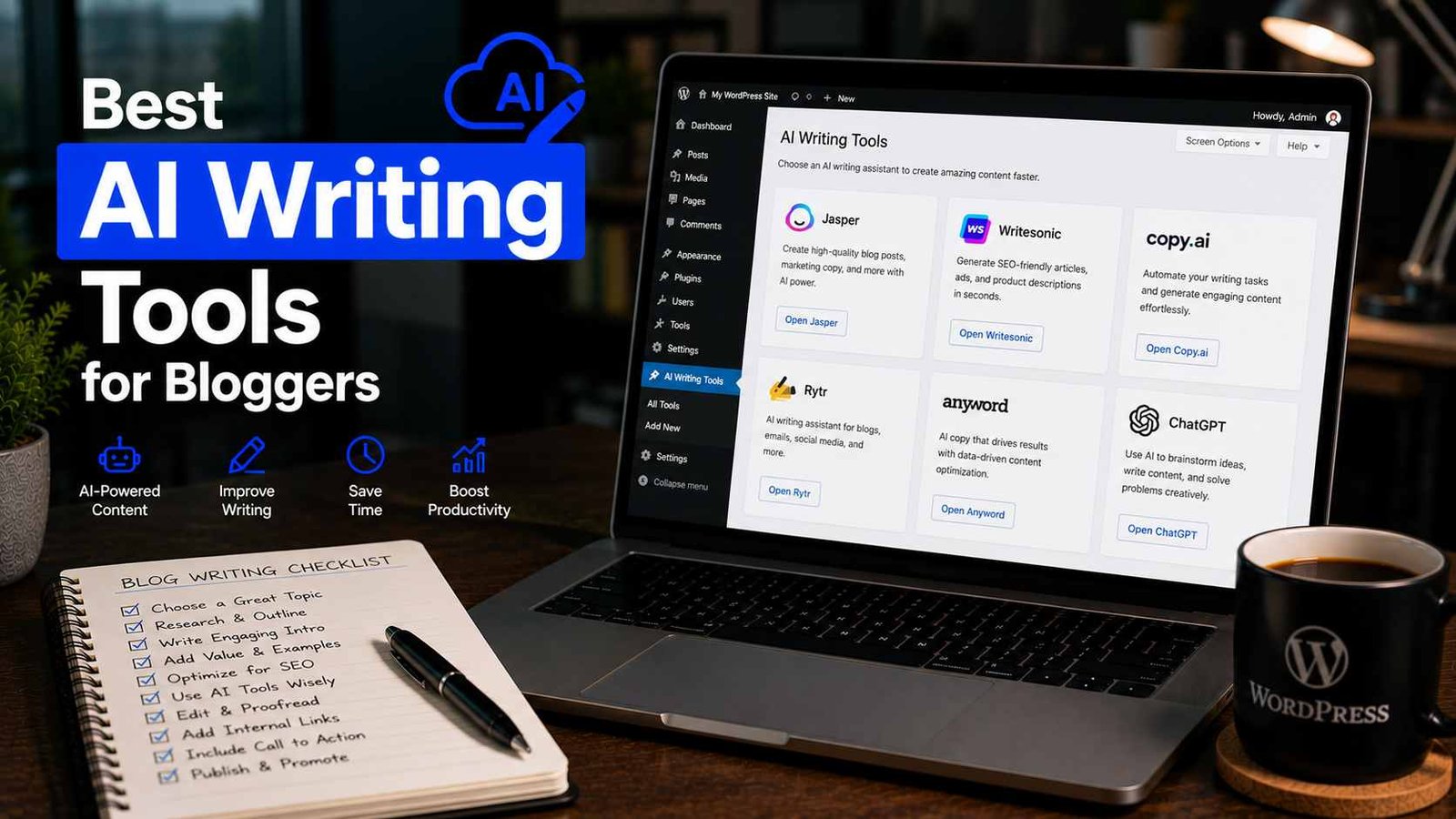

Best AI Writing Tools for Bloggers
There was a period about two years ago where I downloaded and signed up for practically every AI writing tool I could find. Free trials, paid plans, browser extensions — I genuinely wanted to know which ones were worth using and which ones were all hype.
Some of them blew me away. A few were genuinely useful in ways I hadn’t expected. And a couple were so bad that they produced content I spent more time fixing than if I’d just written the thing myself from scratch.
I also made the classic mistake of relying too heavily on one tool for a while, published some posts with barely any editing, and watched them sit at the bottom of Google’s search results while my more carefully written articles slowly climbed. Lesson learned.
If you’re a blogger trying to figure out which AI writing tools are actually worth your time and money, here’s my honest take based on actually using these tools — not just reading about them.
What I Actually Use AI Writing Tools For
Before diving into the tools themselves, it’s worth being clear about where AI genuinely helps in a blogging workflow versus where it tends to fall short.
Where I’ve found AI tools genuinely useful:
- Breaking through writer’s block on a first draft
- Generating outline ideas when I have a topic but no structure yet
- Rephrasing awkward sentences I’ve written myself
- Summarizing research I’ve gathered so I can write from a cleaner starting point
- Creating meta descriptions, email subject lines, and social captions quickly
Where AI tools consistently disappoint me:
- Writing anything that requires real personal experience or specific details
- Producing content that doesn’t sound generic without heavy editing
- Fact-checking — they get things wrong confidently, so you always need to verify
With that context, here are the tools I’d actually recommend to a fellow blogger.
1. ChatGPT — The One Everyone Knows, For Good Reason
I know, I know — you’ve heard about ChatGPT. But hear me out, because how most people use it and how I use it are pretty different.
Most bloggers I talk to use ChatGPT with a prompt like “write a 1,000-word blog post about X.” The output is usually generic, reads like a textbook, and needs massive reworking.
The way I use it is more like a conversation. I feed it my own notes, ask it to help me restructure my thinking, request multiple headline variations, or ask it to tighten up a specific paragraph I’ve already written. Used that way, it’s genuinely one of the most flexible tools in my workflow.
What I like: Versatile, handles a huge range of tasks beyond just writing, free tier is actually usable.
What frustrates me: The free version can be inconsistent with complex tasks, and it has a knowledge cutoff that means anything requiring current information needs fact-checking.
Best for: Bloggers who want a flexible all-around tool for brainstorming, drafting, rewriting, and general content assistance.
Pricing: Free tier available; ChatGPT Plus starts at $20/month.
2. Jasper — Purpose-Built for Content, and It Shows
Jasper is one of the few AI writing tools built specifically for marketers and bloggers, and that focus makes a noticeable difference in the output quality for certain tasks.
I tested Jasper for a few months on a content-heavy project where I needed to produce a high volume of product descriptions and blog introductions. The quality was more consistent than I expected for bulk content — less cleanup required compared to some other tools.
Their “Boss Mode” workflow lets you give detailed instructions while writing, almost like dictating to an assistant who keeps context throughout the document. That’s genuinely useful for longer pieces.
What I like: More reliable output for marketing-focused content, good templates for common blog formats (product reviews, listicles, how-to guides), and the interface is built around a content workflow rather than a chat interface.
What frustrates me: It’s one of the pricier options out there, and for purely personal, experience-driven blog content, the output still sounds a bit marketing-polished in a way I have to edit out.
Best for: Bloggers who produce a high volume of content, especially in niches like product reviews, affiliate content, or marketing-focused blogs.
Pricing: Starts around $39/month — on the higher end, so worth testing the free trial first.
3. Writesonic — Good Middle Ground Between Price and Quality
Writesonic sits in an interesting spot — it’s more affordable than Jasper while still being specifically designed for content creation rather than general AI chat.
I’ve used it mainly for generating multiple intro variations when I’m stuck on how to open a post, and for quickly producing a few headline options I can then refine. The output quality is solid for shorter-form tasks, and it has a decent built-in SEO mode that suggests related keywords as you write.
One thing I genuinely liked was the “Article Writer” feature, which generates a full draft from a title and brief outline. The drafts still need significant editing, but they gave me a structured starting point faster than staring at a blank document.
What I like: More affordable pricing, decent article drafting tool, SEO-focused features that make sense for bloggers specifically.
What frustrates me: Long-form output can lose consistency partway through longer articles — the beginning is usually stronger than the end.
Best for: Bloggers on a tighter budget who still want a dedicated AI writing tool beyond just ChatGPT.
Pricing: Free tier available (limited words); paid plans start around $16/month.
4. Surfer SEO + AI — When SEO and Writing Actually Work Together
Surfer SEO is primarily an SEO tool, but they’ve added an AI writing feature that does something slightly different from the others — it generates content while actively analyzing what’s already ranking for your target keyword.
I used Surfer’s AI writing for a few articles and found that the SEO-focused output was noticeably better structured for search intent than generic AI output. It suggests headings, word counts, and related terms based on what’s actually ranking, not just what sounds reasonable.
The limitation is that the writing quality itself still needs significant editing — it’s more of a “here’s an SEO-optimized skeleton, now make it actually good” kind of tool than a finished-content generator. But that’s honestly how I think AI writing tools should be used anyway.
What I like: The SEO angle is genuinely useful — you’re not just writing in a vacuum, you’re writing with real ranking context built in.
What frustrates me: Expensive if you’re only using it for the writing feature; the real value is the full Surfer SEO platform.
Best for: Bloggers who are serious about SEO and already use (or are considering) a dedicated SEO content tool.
Pricing: Plans start around $89/month — really only makes sense if you’re using the full SEO suite.
5. Grammarly — Not an AI Writer, But Genuinely Part of My Workflow
Grammarly isn’t an AI content generator in the same way as the others, but I’d feel dishonest leaving it off this list because I use it on basically every piece of content I publish.
Beyond basic grammar and spelling checks, Grammarly’s tone detection and clarity suggestions catch things I consistently miss in my own writing — sentences that are technically correct but come across as too formal, too aggressive, or just confusing to read.
Their newer AI rewriting features (available in the premium version) are also genuinely useful for quickly reshaping a sentence without having to think through how to rephrase it yourself.
What I like: Browser extension means it works everywhere I write — WordPress, Google Docs, even email. Catches tone and clarity issues that purely grammar-focused tools miss.
What frustrates me: The free version is useful but pushes heavily toward upgrading, and some premium suggestions are overly cautious, flattening writing that’s intentionally a bit edgy or informal.
Best for: Every blogger, honestly — especially those writing in English as a second language.
Pricing: Free tier available; Premium starts around $12/month.
How I Actually Combine These Tools in My Workflow
Here’s roughly how a typical post comes together for me:
I start by doing my own research and jotting down the key points I want to cover — this is always done by me, not AI. Once I have a rough list of ideas and a general angle, I’ll sometimes drop my notes into ChatGPT and ask it to suggest an outline structure or alternative ways to approach the topic.
I write the actual content myself, section by section, drawing on my own experience and specific details. When I hit a section I’m struggling to phrase well, I’ll use ChatGPT or Writesonic to generate a few alternative versions I can take inspiration from or lightly adapt.
Once a draft is done, Grammarly runs in the background catching anything sloppy. And if I’m writing something specifically targeting a competitive keyword, I’ll cross-reference with Surfer SEO to make sure my structure and coverage match what’s actually ranking.
The whole process still centers on my own thinking and experience — AI speeds up specific parts of it without replacing the parts that actually make the content worth reading.
Common Mistakes I’ve Seen Bloggers Make With These Tools
Treating AI output as a finished product. It almost never is. Every AI-generated piece needs editing, fact-checking, and your own voice added back in.
Paying for multiple tools that do the same thing. You don’t need five AI writing subscriptions. Pick one or two that genuinely fit your workflow and use them properly rather than hopping between platforms.
Using AI for topics you have no real knowledge of. The content sounds generic and misses specific details that actually make articles useful and trustworthy. Readers notice, and so does Google.
Skipping the fact-checking step. AI tools confidently state incorrect information all the time. Anything involving numbers, dates, tool pricing, or specific claims needs to be independently verified before publishing.
Getting obsessed with AI detection tools. I’ve seen bloggers run every article through AI detection checkers and rewrite anything that “flags” as AI. Most of these tools are unreliable, and the energy is better spent just making sure your content is genuinely useful and edited properly.
Final Thoughts
The honest reality of AI writing tools for bloggers in 2026 is that they’re genuinely useful — but mostly as assistants rather than replacements for your own thinking and writing.
The bloggers I’ve seen get the most out of these tools aren’t using them to produce content faster by doing less — they’re using them to remove friction from specific parts of the writing process, so they can spend more time on the parts that actually require their own knowledge and experience.
If you’re just getting started with AI tools, I’d honestly start with the free tier of ChatGPT, learn how to prompt it well for your specific needs, and add other tools only if you hit a clear limitation that a specialized tool would solve. You might find that’s all you need.
And whichever tools you end up using — always edit, always verify, and always make sure the final article sounds like a person who actually knows what they’re talking about. That part, no tool can do for you.
Any Question? Contact Us
