
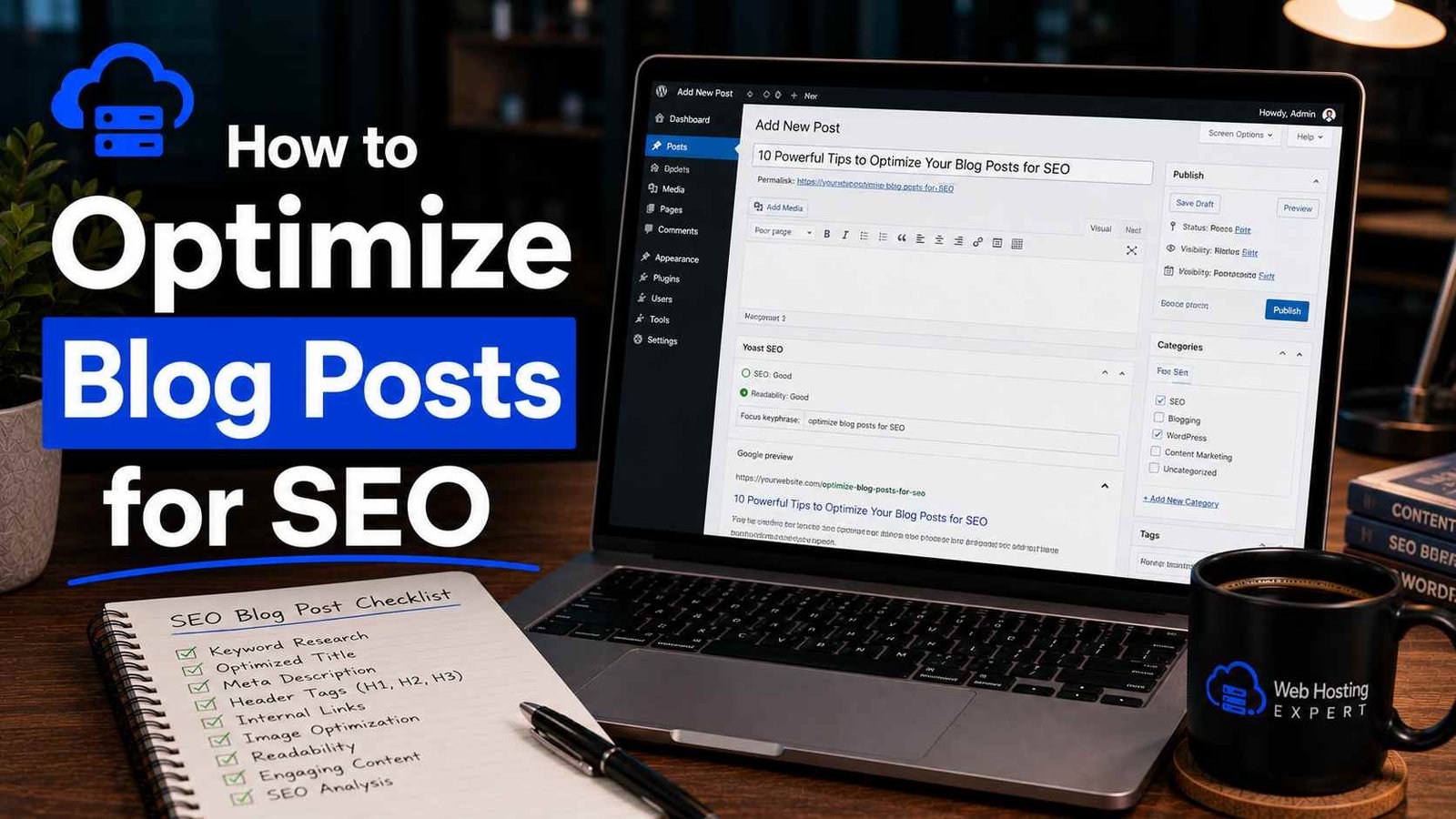

How to Optimize Blog Posts for SEO
For the first eight months of running my blog, I genuinely believed that writing good content was enough.
I’d spend three, sometimes four hours on a single post. I’d research carefully, structure it well, proofread it twice. Then I’d hit publish and wait for the traffic to roll in.
It didn’t.
A friend who runs a successful affiliate site sat with me one afternoon, scrolled through my blog, and said something I’ll never forget: “Your writing is great. But Google has no idea what any of these posts are about.”
That stung. But he was right. I had no consistent keyword strategy, my titles were written for vibes rather than search, my images were named things like screenshot-final-FINAL2.png, and I hadn’t linked a single post to another post on my own site.
The content was solid. The optimization was nonexistent.
What followed was about two months of going back through every post I’d written and fixing things properly — and then doing it right from the start on everything new. Traffic didn’t explode overnight. But within three months, I was getting consistent organic visitors. Within six months, some posts were ranking on page one.
This guide is everything I learned through that process. Not what the textbooks say — what actually worked.
Start Before You Write: Keyword Research Is Not Optional
The biggest shift in my blogging happened when I stopped writing posts first and figuring out keywords later. It needs to be the other way around.
Keyword research doesn’t have to be complicated. Here’s the simple version:
Think about what your target reader would type into Google when they have the problem your post solves. Then check if people are actually searching for that.
Tools I use regularly:
- Google Search itself — Type your topic and look at the autocomplete suggestions. Those are real searches real people are making.
- AnswerThePublic — Shows you questions people ask around a topic. Great for finding post angles.
- Ubersuggest — Free tier gives you search volume and competition data.
- Google Search Console — If your site has been live for a while, this shows you what queries are already bringing people in. Often a goldmine for post ideas.
What you’re looking for is a keyword that:
- Has genuine search volume (people actually search for it)
- Matches what you want to write about
- Isn’t dominated entirely by massive authority sites you can’t compete with
That third point took me longest to understand. I kept targeting broad, high-volume keywords and wondering why I never ranked. A post titled “SEO Tips” is competing with Moz, HubSpot, Backlinko, and Neil Patel. You’re not winning that fight as a newer blog. But “SEO tips for food bloggers” or “SEO mistakes new bloggers make” — that’s a different conversation. Narrower keywords, less competition, real traffic potential.
The Title Is Doing More Work Than You Think
Your blog post title is the first thing both Google and real humans see in search results. It needs to do two things simultaneously: include your keyword and make someone want to click.
Most bloggers sacrifice one for the other. Either the title is stuffed with keywords and reads like a robot wrote it, or it’s clever and human but Google has no idea what it’s about.
The sweet spot:
- Put your primary keyword near the beginning of the title
- Keep it under 60 characters so it doesn’t get cut off in search results
- Add something that signals value or creates curiosity — a number, a qualifier, a specific outcome
Compare these:
❌ SEO Blog Post Optimization Guide for Beginners SEO Tips 2026
✅ How to Optimize Blog Posts for SEO (Without Starting Over)
One reads like a keyword list. One reads like something a person wrote that also happens to include the keyword naturally.
Also — and this is something I didn’t know for a while — your post title and your SEO title tag don’t have to be identical. The post title (H1) is what appears at the top of your page. The SEO title is what appears in Google. In Rank Math or Yoast, you can set them separately. Sometimes I’ll write a more creative H1 for the page and a more keyword-direct SEO title for Google. Both audiences get what they need.
Your Opening 100 Words Matter More Than the Rest
Google pays close attention to the beginning of your content. If your primary keyword doesn’t appear in the first paragraph or two, that’s a missed signal.
But don’t force it awkwardly. Nobody wants to read “How to optimize blog posts for SEO is something many bloggers wonder about how to optimize blog posts for SEO.” That’s not writing, that’s embarrassing.
Write your intro naturally, then read it back and check: does my keyword appear somewhere in the first 100 words? If not, find a natural place to work it in. Usually it fits without much effort if your post is actually about what the keyword says it’s about.
Structure Your Post for Both Readers and Google
A well-structured post is easier to read and easier for Google to understand. These two things are not in conflict — they’re the same goal.
Use one H1. That’s your post title. WordPress handles this automatically.
Use H2s for main sections. Every major point in your post should have an H2 heading. Include secondary keywords in some of these where they fit naturally.
Use H3s for subsections. When a section needs to be broken down further, H3s keep things organized without cluttering the flow.
Short paragraphs. This isn’t just style advice — it affects how long people stay on your page, which indirectly affects rankings. Three to four sentences per paragraph maximum. White space is your friend.
Use bullet points and numbered lists where appropriate. When you have a list of items, tips, or steps, format them as an actual list. It’s easier to scan, and Google sometimes pulls these into featured snippets.
I started using a simple template for my posts after a while: intro, what the problem is, why it matters, how to fix it step by step, common mistakes, wrap-up. It’s not rigid — I adapt it for every post — but having a skeleton means I’m never staring at a blank document wondering where to go next.
The Meta Description: Small Field, Big Impact
The meta description is the short paragraph that appears under your title in search results. It doesn’t directly influence your ranking, but it massively affects whether someone clicks your link or the one above or below it.
Rules:
- 150–160 characters maximum
- Include your primary keyword (Google bolds it in results when it matches the search)
- Tell the reader specifically what they’ll get from the post
- Write it like a human, not a keyword list
If you skip this field, Google will pull a random sentence from your post to use as the description. That random sentence is almost never as good as a purposefully written one. Always fill it in.
In Rank Math or Yoast, it’s the field right below the SEO title in your post editor. Takes 60 seconds. Don’t skip it.
Images: The Part of SEO Nobody Talks About Enough
Every image in your post has three SEO-relevant elements. Most bloggers get zero out of three right when they start.
1. The file name before you upload
Rename your images before uploading them. photo1.jpg tells Google nothing. how-to-optimize-blog-posts-seo-checklist.jpg tells Google exactly what the image relates to.
I know it feels tedious. Do it anyway. Once it becomes a habit it takes about five extra seconds per image.
2. The alt text
Alt text is a written description of the image. It exists for accessibility (screen readers use it for visually impaired users) and for Google (which can’t truly “see” images the way we do).
Every image should have alt text that describes what’s in the image. Include your keyword where it genuinely fits — don’t force it into alt text for every single image on the page.
In WordPress, when you click on an image in the editor, there’s an “Alt text” field in the right sidebar. Fill it in every time.
3. File size
Large image files slow your page down. A slow page loses rankings and loses readers. Before uploading, compress your images.
I use Squoosh (free, browser-based, no account needed) for manual compression before uploading. For automatic compression on everything I upload, I have ShortPixel installed — it runs in the background and handles it without me thinking about it.
The difference in page speed after I started compressing images properly was significant. Some pages dropped over two seconds in load time just from this one change.
Internal Linking: The Underdog of Blog SEO
Here’s something I wish someone had told me in my first month of blogging: every time you publish a post, you should be linking to other posts on your site from within it. And you should go back to older posts and add links pointing to the new one.
Why this matters:
- It helps Google discover and understand all your content
- It keeps readers on your site longer
- It distributes ranking power across your posts
- It signals to Google which posts on your site are most important (the ones that get linked to most often)
The anchor text — the clickable words — should be descriptive. “Read more here” is useless. “How to do keyword research for beginners” tells Google and the reader exactly what the linked post covers.
I spend about 15 minutes after publishing every post doing two things: adding 2–3 internal links from the new post to relevant older posts, and going back to two or three older posts to add a link pointing to the new one. It takes almost no time and adds up to a genuinely stronger site over months.
Optimizing for Featured Snippets (The Position Zero Trick)
Featured snippets are the highlighted answer boxes that sometimes appear above the regular search results. Getting into one can send a significant amount of traffic even if you’re not ranking #1.
The way to target them isn’t complicated:
- Identify questions your post answers
- Answer those questions directly and concisely in your post, right below the question heading
- Use the exact phrasing of the question as a heading
For example, if your post is about SEO and you include a section titled “What is a meta description?” followed immediately by a clean two-to-three sentence explanation — Google may pull that as a featured snippet for people searching that exact question.
I’ve had three posts earn featured snippets this way. None of them were ranking #1. Two were ranking between positions 4 and 7. The snippet still sent more clicks than the #1 result on those queries.
Page Speed — The Silent Ranking Factor
You can do everything else right and still underperform if your page loads slowly. Google uses page speed as a direct ranking factor, and readers abandon slow pages within seconds.
Check your post’s speed at Google PageSpeed Insights (free, paste in your URL). It gives you a score and specific recommendations.
The highest-impact fixes:
- Compress images (discussed above)
- Use a caching plugin — WP Rocket is the gold standard, W3 Total Cache is a solid free option
- Use a lightweight theme (Astra, GeneratePress, Kadence are all fast)
- Minimize plugin count — every extra plugin can add load time
Aim for above 70 on mobile. Above 85 is strong. I try to keep my posts above 80 on mobile and it’s become a natural part of my publishing checklist.
Updating Old Posts: The Fastest SEO Win Most Bloggers Ignore
This is the tactic that produced the fastest results for me personally.
Instead of always publishing new content, take one afternoon a month and improve an existing post that’s sitting on page two or three of Google. Update any outdated information, improve the title and meta description, add more internal links, compress the images, add a section or two that strengthens the content.
Then update the published date.
I’ve taken posts that had been sitting at position 11–15 for months and bumped them to the top five just by refreshing and improving them. The content was already indexed and Google already somewhat trusted it — it just needed to be better.
New post = starting from zero. Improved post = building on existing momentum. Do both, but don’t sleep on the old stuff.
The Mistakes I Made (So You Don’t Have To)
Writing for search engines instead of people. The posts I wrote trying to “hit” a keyword rather than genuinely help someone always underperformed. Google is good at detecting thin, purpose-less content.
Targeting keywords I had no realistic chance of ranking for. Months of effort on posts competing with massive authority sites. Go specific and long-tail first, build authority, expand later.
Not building internal links consistently. I had posts that were invisible to Google simply because nothing on my site linked to them. Every post needs links pointing to it.
Publishing and forgetting. Set a reminder to revisit your posts every six months. Update what’s outdated, improve what’s thin, fix what’s broken.
Over-relying on SEO plugin green lights. Rank Math and Yoast are tools, not oracles. I’ve published posts with all green scores that never ranked, and posts that ignored the suggestions entirely that ended up on page one. Use them as a guide, not a guarantee.
Skipping the meta description. Every time. For months. Just fill it in — it takes a minute and it genuinely affects click-through rate.
A Realistic Timeline to Set Your Expectations
SEO is not fast. Let me be direct about that.
For a newer blog, expect three to six months before you see meaningful organic traffic from Google, even if you’re doing everything right. Google needs time to crawl, index, understand, and trust your content.
What you can do in the meantime: be consistent, keep improving old content, focus on topics where you can genuinely compete, and build a library of well-optimized posts. The compounding effect of this work becomes very real after about twelve months.
The bloggers who give up at month three and say “SEO doesn’t work” are always the ones who would have started seeing results at month five if they’d stuck with it.
Where to Start if You’re Feeling Overwhelmed
Don’t try to fix everything at once. Pick one thing from this guide and apply it to your next post. Then add another habit the post after that.
If I had to prioritize: start with keyword research before writing, then fix your titles and meta descriptions, then sort out your image alt text. Those three things alone will put you ahead of most bloggers.
Everything else builds on top of that foundation.
The gap between bloggers who get organic traffic and those who don’t usually isn’t about writing quality. It’s about whether they bothered to optimize at all. Now you know what that looks like — so go do it.
Working through this on your own blog? Drop a comment with where you’re stuck and I’ll try to help. SEO questions don’t have to be confusing.
Any Question? Contact Us
