
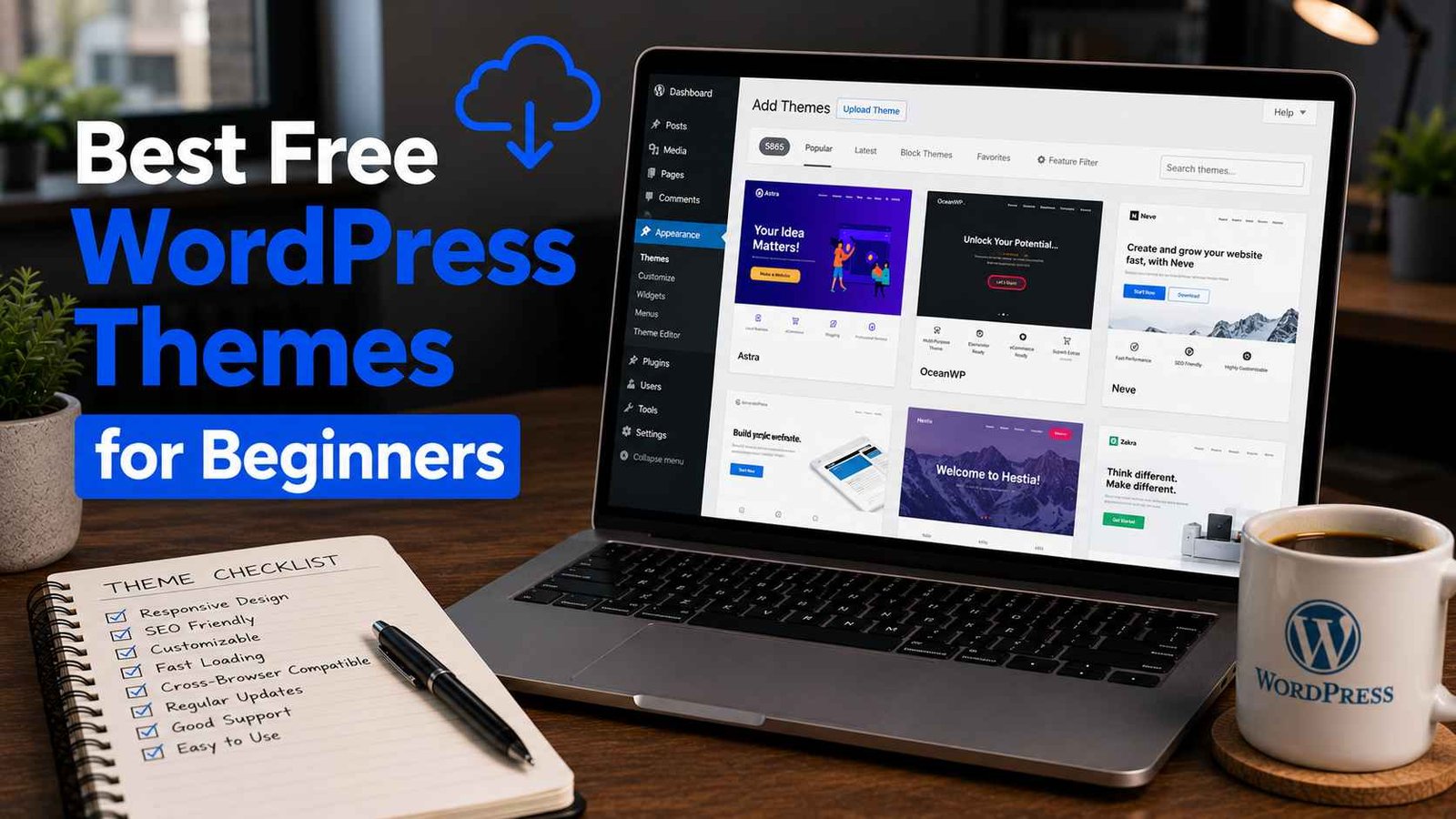

Best Free WordPress Themes for Beginners
There was a point where I had 23 WordPress themes installed on a single test site. Twenty-three. I kept activating one, deciding it wasn’t quite right, and jumping to the next. My “quick website setup” turned into a four-day theme spiral that ended with me staring at my screen at midnight, questioning every decision I’d ever made.
If you’re a beginner trying to pick a free WordPress theme, I don’t want that to be your experience.
So let me save you the time. I’ve built sites for clients, for side projects, for family members who “just need something simple,” and I’ve learned — sometimes the hard way — which free themes are actually worth your time and which ones look great in the preview but fall apart the moment you try to customize them.
Here’s the honest breakdown.
Why the Theme You Pick Actually Matters
Before we get into specific recommendations, let me quickly explain why this decision deserves more than five minutes of thought.
Your theme controls how your site looks, yes — but it also affects how fast your site loads, how well it works on mobile, and how easy it is to customize without touching code. A bloated theme can slow your site down even if your content is perfectly optimized. A poorly coded one can break when you update WordPress.
Free themes vary wildly in quality. The WordPress theme directory has thousands of options, and not all of them are good. Some haven’t been updated in years. Some work fine on desktop but look broken on phones. Some are “free” but lock almost every useful feature behind a premium upgrade.
The ones I’m recommending below are genuinely useful in their free versions. I’ve used all of them on real projects.
1. Astra — The One I Recommend Most Often
If someone asks me “just tell me one theme to use,” I say Astra. Every time.
It’s lightweight (loads under 50KB, which is impressive), works with every major page builder including Elementor and the built-in Gutenberg editor, and the free version gives you enough to build a complete, professional-looking website.
When I set up my first client portfolio site on Astra, I was genuinely surprised by how much I could customize without paying for anything. Colors, fonts, header layout, footer columns — all adjustable from the WordPress Customizer.
Astra also comes with starter templates — pre-built page designs you can import with one click and then modify. For a beginner, this is huge. Instead of starting from a blank page, you start from something that already looks polished.
Best for: Blogs, business sites, portfolios, small online stores
One thing to know: Some starter templates are pro-only. But the free ones are still solid enough to work with.
2. Kadence — Astra’s Best Competition (And Sometimes Better)
Kadence is what I switched several clients to after Astra, and honestly, it’s a toss-up between the two now. The free version of Kadence is remarkably generous.
What I love about it: the header and footer builder is included for free. With Astra, you need to go pro for advanced header options. Kadence gives you a drag-and-drop header builder right out of the box, which makes a real difference when you’re trying to build something that looks custom without hiring a developer.
The starter templates are also excellent — clean, modern designs that don’t look like every other WordPress site from 2015.
I used Kadence recently for a small bakery website. The owner wanted something warm and inviting without spending money on a premium theme. We imported a free food-related starter template, swapped the colors and fonts to match her branding, added her photos — done in an afternoon.
Best for: Anyone who wants more design control without upgrading to pro
One thing to know: Kadence’s community and documentation are slightly smaller than Astra’s, but still very good.
3. GeneratePress — For Bloggers Who Care About Speed
If you’re building a blog and site speed is a priority for you (it should be), GeneratePress is worth serious consideration.
It’s one of the lightest WordPress themes in existence. Minimal CSS, no unnecessary scripts, clean code. When I ran speed tests comparing it against other popular themes, GeneratePress consistently came out near the top.
The trade-off is that it’s less visual out of the box. It’s not going to wow you with a flashy demo. But that’s kind of the point — it’s a solid, fast foundation that you build on top of.
I use a GeneratePress site for my own personal blog. I’ve never had a complaint about speed, and the Lighthouse scores stay consistently high even as I add more content.
Best for: Bloggers, writers, news sites, anyone for whom speed is the top priority
One thing to know: The free version doesn’t include the site library (starter templates). You’re building from scratch, which is fine if you’re comfortable with the Customizer, but might feel limiting to absolute beginners.
4. OceanWP — Great for WooCommerce and Portfolio Sites
OceanWP has been around for years and has built a strong reputation, especially among people building online stores or portfolio sites.
The free version includes WooCommerce-specific features that other themes charge extra for — things like a floating cart, product page layout options, and checkout styling. If you’re setting up a small shop, OceanWP gives you a head start.
I helped a friend launch a small handmade jewelry store using OceanWP and WooCommerce. Between the free theme and free plugins, she had a functional, decent-looking shop without spending a rupee on design.
Best for: WooCommerce stores, creative portfolios, photography sites
One thing to know: OceanWP can feel slightly heavier than Astra or GeneratePress if you activate a lot of its extensions. Keep it lean and it performs well.
5. Neve — Clean, Fast, and Underrated
Neve doesn’t get as much attention as Astra or Kadence, but it deserves more credit. It’s fast, AMP-compatible (meaning it works well on mobile Google searches), and has a nice selection of starter sites in the free version.
The thing that stands out to me about Neve is the onboarding experience. When you first install it, there’s a clear setup wizard that asks what kind of site you’re building and then recommends a starter template. For a beginner, having that gentle guidance makes the whole process feel less overwhelming.
I recommended Neve to my younger brother when he was building his first site — a personal blog about local hiking trails. He had it set up and looking decent within a couple of hours, with no help from me. That says something.
Best for: Beginners who want guided setup, bloggers, local business sites
6. Blocksy — Built for the Block Editor
Most themes on this list support Gutenberg (WordPress’s default block editor), but Blocksy was built with it at the center. If you’re planning to use Gutenberg rather than a page builder like Elementor, Blocksy feels the most natural.
It’s also genuinely good-looking. The free starter sites have a modern, premium feel to them — the kind of design that would have cost serious money to commission a few years ago.
Best for: Users who prefer Gutenberg over page builders, design-conscious beginners
How to Actually Install a Theme (Quick Walkthrough)
In case you’re not sure where to start:
- Log into your WordPress dashboard at
yourdomain.com/wp-admin - Go to Appearance → Themes
- Click Add New
- Search for the theme name (e.g., “Astra” or “Kadence”)
- Hover over the theme and click Install
- Once installed, click Activate
That’s it. The theme is now live on your site.
After activating, most of these themes will show you a setup wizard or prompt you to import a starter template. Follow it — it’s worth the two minutes.
To customize your theme, go to Appearance → Customize. This opens the WordPress Customizer, where you can change colors, fonts, logos, and layouts in real time and see the changes before you save them.
Mistakes Beginners Make When Choosing Themes
Choosing based on the demo preview alone. The demo always looks amazing because it has professional photos, perfectly written copy, and a full set of pages. Your site won’t look like that immediately — and that’s okay. Judge a theme on its structure and flexibility, not just how the demo looks.
Installing multiple themes “just to try them.” You should only have one active theme at a time. Having 10 inactive themes sitting in your dashboard is unnecessary and slightly increases your security surface. If you’re done testing a theme, delete it.
Ignoring mobile preview. Before you commit to a theme, click the mobile icon in the Customizer and see how it looks on a small screen. A theme that looks great on desktop but breaks on mobile is a problem — most of your visitors will be on their phones.
Choosing a theme that hasn’t been updated recently. Before installing any theme, scroll down to its details in the WordPress theme directory and check the “Last updated” date. If it hasn’t been updated in two or more years, move on. Outdated themes can have security vulnerabilities.
Spending too long deciding. This one I’m repeating because it’s the most common trap. Pick Astra or Kadence, import a starter template, and start filling in your content. You can always change your theme later — it’s not permanent. The important thing is to start.
So Which One Should You Actually Pick?
Here’s a simple way to decide:
- Just starting out, want the easiest experience? → Astra
- Want more design control for free? → Kadence
- Focused on blogging and speed? → GeneratePress
- Building a WooCommerce store? → OceanWP
- Using Gutenberg and want a modern feel? → Blocksy
- Want guided setup as a first-timer? → Neve
All six are solid choices. None of them will embarrass you. And all of them are genuinely free to use without feeling crippled.
A Note on “Free vs Premium”
People sometimes feel like they need to pay for a premium theme to have a professional-looking site. That’s just not true anymore. The free themes listed here power real businesses, real portfolios, and real blogs that get serious traffic.
Premium themes make sense eventually — when you need specific features, dedicated support, or advanced design options. But as a beginner, start free. Learn how WordPress works. Figure out what your site actually needs. Then decide if paying for something makes sense.
There’s no shame in staying free forever if it does the job.
If you try one of these themes and get stuck, drop a comment below. I read everything and I’m happy to help troubleshoot — no judgment for beginner questions.
Any Question? Contact Us
