

There was a point last year where I had 11 blog posts in my drafts folder — all half-finished, all staring back at me like an accusation.
I run a few niche WordPress sites on the side. Nothing massive. But keeping them consistently updated with quality content while also doing client work? That was killing me. I’d sit down to write, spend 45 minutes on an intro, hate it, close the tab, and repeat the cycle three days later.
A friend suggested I try using AI tools to speed things up. My first reaction was somewhere between skeptical and defensive — “I’m a writer, I don’t need a robot to write for me.”
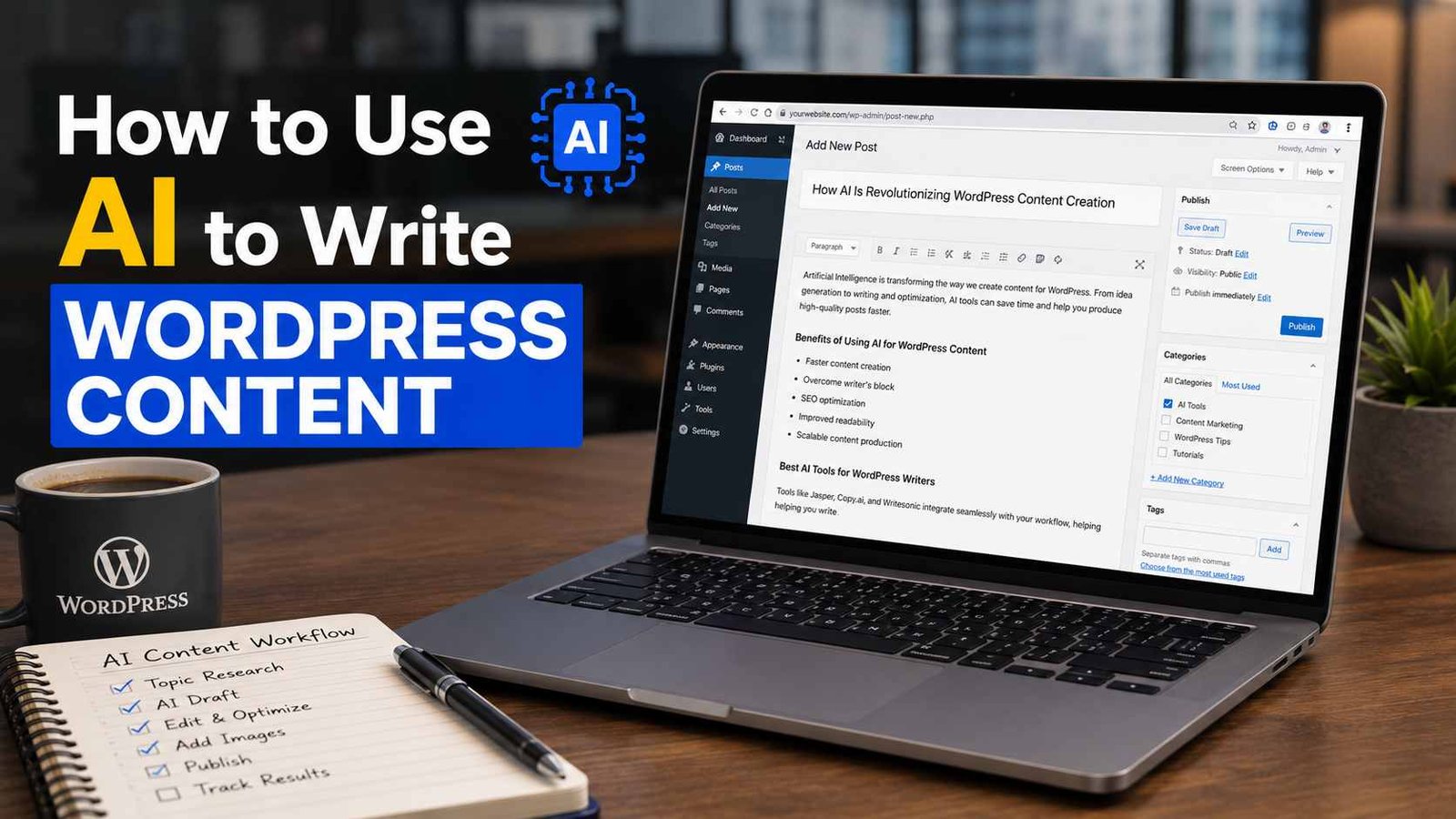
Six months later, AI is a core part of how I produce content for all my WordPress sites. Not because it writes everything for me, but because it completely changed how I get from blank page to published post. Let me walk you through exactly how I do it.
The Mindset Shift That Actually Matters
Before getting into tools and steps, this is the thing I wish someone had told me earlier:
AI is not a replacement for your voice. It’s a thinking partner and a first-draft machine.
The people who get burned by AI content are the ones who paste a prompt into ChatGPT, copy whatever comes out, and hit publish. That content is flat, forgettable, and Google has gotten very good at identifying it. More importantly, your readers can feel it — there’s something lifeless about unedited AI writing.
The way it actually works well is using AI to handle the parts of writing that drain you — research structure, outlines, first drafts, meta descriptions, FAQs — and then you bring the personality, the real examples, the opinions. That’s the combination that produces content that actually ranks and actually gets read.
The Tools I Actually Use
There are dozens of AI writing tools out there, but I’ve settled into a pretty consistent stack:
ChatGPT (GPT-4) — My main drafting tool. It’s the most flexible for generating outlines, writing sections, rephrasing things, and brainstorming angles I hadn’t thought of.
Claude — I use this when I want something that reads more naturally or when I need a longer piece that stays coherent. Claude tends to be better at maintaining a consistent tone across a long article.
Surfer SEO + AI — For WordPress content that needs to rank, I use Surfer to identify the keywords and structure, then bring AI in to help write to that structure.
Rank Math (WordPress plugin) — Once the content is in WordPress, Rank Math’s AI suggestions help me fine-tune titles and meta descriptions without leaving the editor.
Grammarly — Last pass before publishing. It’s not AI writing, but it catches things I miss.
You don’t need all of these, especially starting out. ChatGPT alone can handle most of the workflow.
My Step-by-Step Process
Here’s exactly how I go from topic idea to published WordPress post:
Step 1: Start With a Real Angle, Not Just a Topic
This is where most people go wrong. They type something like “write a blog post about productivity apps” and wonder why the output is generic.
Before I touch any AI tool, I spend five minutes thinking: What’s the specific angle here? Who is this for? What do they already know, and what do they actually need?
For example, instead of “productivity apps for bloggers,” my prompt becomes:
“I’m writing for WordPress bloggers who feel overwhelmed managing content alongside client work. They’ve probably tried apps like Notion or Todoist already. I want an article about productivity systems — not just app lists — that feels practical and personal. Give me 5 possible article angles I haven’t seen a hundred times.”
That extra context changes everything about what comes back.
Step 2: Generate and Refine the Outline
Once I have my angle, I ask the AI to build an outline. But I don’t just accept the first version — I have a conversation with it.
I’ll ask it to move sections around, add a section I thought of, remove things that feel too obvious, or restructure the flow so it builds toward something rather than just listing points.
This back-and-forth usually takes 10–15 minutes, and by the end I have an outline I actually believe in. That matters, because if you start writing from an outline you don’t like, the whole piece suffers.
Step 3: Write Section by Section (Not All at Once)
Here’s a mistake I made early on: I’d paste the full outline and say “now write the whole article.” The result was always too long, too generic, and weirdly inconsistent in tone.
Now I write one section at a time. I give the AI the outline, tell it which section we’re working on, give it any specific points I want included, and ask it to write just that section.
Then I read it. Edit it. Make it sound like me. Add a real example if I have one. Then we move to the next section.
This takes longer, but the output is dramatically better and much easier to edit because you’re working in small chunks.
Step 4: Add Your Own Layer
This is the step most people skip and it’s the most important one.
After the AI writes a section, I ask myself: what do I actually know about this that the AI doesn’t?
A personal story. A tool I’ve actually used. A mistake I made. A result I got. An opinion I have that isn’t the obvious take.
Even one or two of these additions per article transforms it from “AI-generated content” into something that has a real person’s fingerprints on it. This is also what makes it actually useful to readers — they can get generic information anywhere. What they can’t get anywhere else is your experience.
Step 5: Optimize Before You Publish
Once the draft is done and edited, I paste it into Rank Math inside WordPress and go through the SEO checklist. Usually that means:
- Checking the focus keyword appears naturally in the right places
- Writing a custom meta description (I’ll sometimes ask AI for three options and pick/edit the best one)
- Making sure headings are structured correctly
- Adding internal links to related posts
I also run the content through a quick readability check. Rank Math has one built in, but Hemingway App is also useful for catching sentences that are too dense.
Step 6: Publish and Watch What Happens
I know this sounds obvious, but: publish and actually track the post. Check it in Google Search Console after a few weeks. See what queries it’s showing up for. Sometimes the post ranks for something adjacent to what you targeted, and that tells you what your next piece should be about.
AI speeds up production, but the feedback loop from real data is still what shapes a smart content strategy.
Real Example: What This Looks Like in Practice
Here’s a concrete example from a site I run in the personal finance space.
I wanted to write about budgeting apps for freelancers. Instead of just prompting “write about budgeting apps,” I did this:
- My angle: Freelancers who have inconsistent income and find traditional budgeting advice useless
- My prompt: Asked for an outline that addresses the irregular income problem specifically, not a generic app roundup
- What I added: My own experience using YNAB with variable income and the specific method I use to handle months where income is low
The post took about 90 minutes total — probably 40 minutes of AI interaction and editing, 50 minutes of me adding my own experience and doing the SEO work.
That post now gets consistent organic traffic. Not because AI wrote it, but because AI helped me produce it faster while I made it actually useful.
Mistakes I Made (And Still See People Make)
Publishing without editing. Raw AI output is a starting point, not a finished product. Always read and rewrite.
Prompts that are too vague. “Write a blog post about X” gives you something generic. The more context you give, the better the output.
Skipping the personal layer. If your post reads like it could have been written by anyone, readers will feel it. Add your voice, your examples, your perspective.
Over-relying on AI for facts. AI tools can confidently state things that are outdated or just wrong. Always verify statistics, tool features, and specific claims before publishing.
Treating every post the same. AI is most useful for informational content — how-tos, reviews, comparisons, listicles. For opinion pieces or deeply personal content, the AI layer is minimal. Know when to lean in and when to write from scratch.
A Note on Google and AI Content
I get asked this a lot: will Google penalize AI-written content?
The honest answer is that Google has said it cares about content quality, not how it was produced. What they penalize is thin, unhelpful, duplicate-feeling content — which is exactly what you get when people use AI badly.
Content that’s well-structured, genuinely helpful, and has a clear perspective tends to perform fine regardless of whether AI was involved in creating it. The sites I’ve seen get hit by algorithm updates were using AI to churn out dozens of shallow posts with no real value — not to produce a smaller number of well-crafted ones.
Where to Start If You Haven’t Yet
If you’re a WordPress blogger sitting on a backlog of content ideas and never enough time, here’s the simplest possible starting point:
Take one article you’ve been meaning to write. Open ChatGPT. Tell it who your reader is, what they’re struggling with, and what you want them to walk away knowing. Ask for an outline.
Spend 15 minutes refining that outline. Then write one section using AI and spend another 10 minutes making it yours.
See how that feels.
The blank page problem disappears almost immediately. And once it does, you’ll probably find yourself actually publishing things instead of leaving them in drafts forever.
I know I did.
Any Question? Contact Us
