
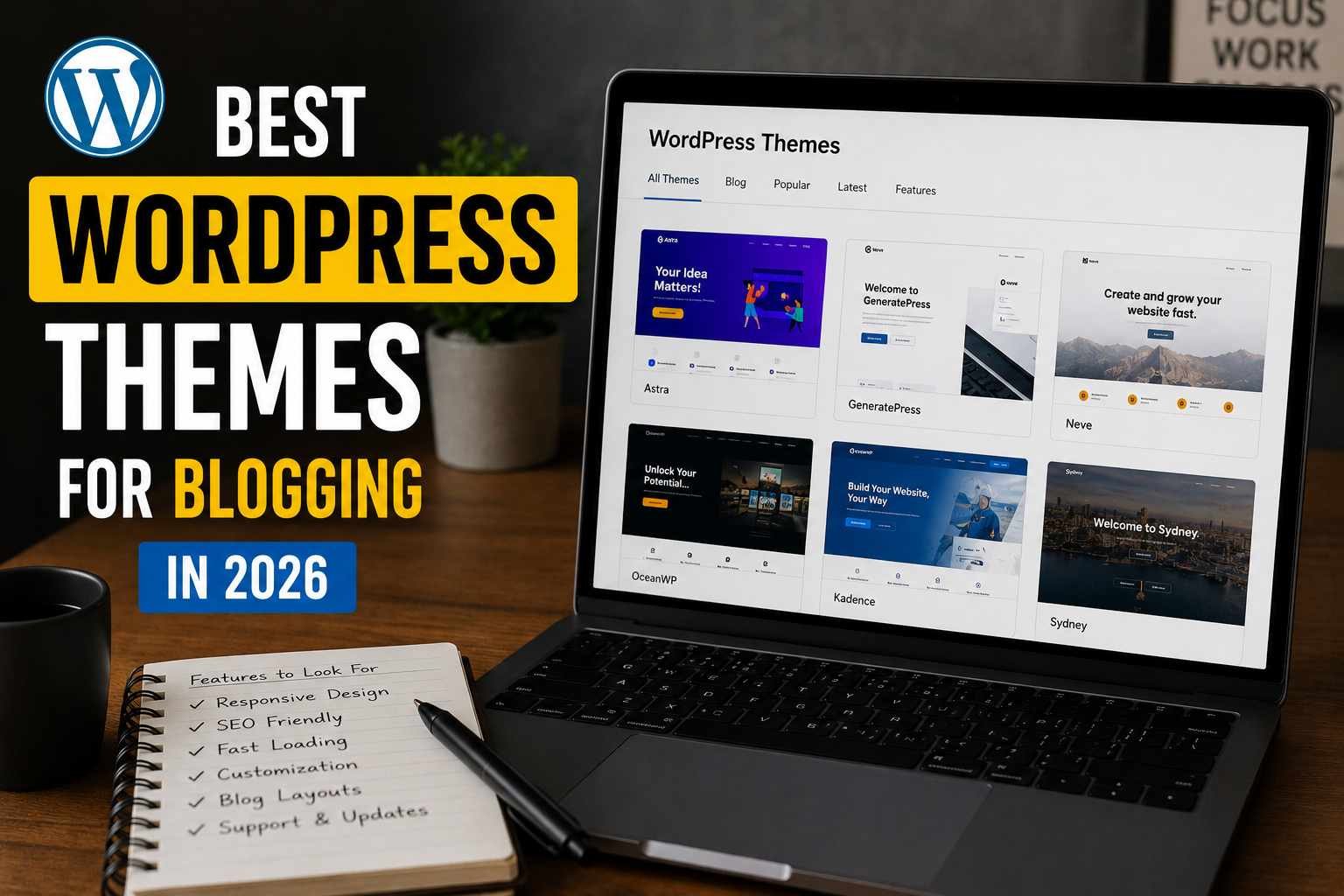

I remember the exact moment I almost quit blogging.
It was 2 AM, I had just launched my third “redesigned” blog, and my homepage was still loading in 6.8 seconds. My bounce rate was brutal. I’d spent three weekends picking a theme that looked gorgeous in the demo — clean white space, beautiful typography, the whole vibe — and on my actual site it felt like I was running a 2014 WordPress.com free blog.
That was a painful lesson in the difference between a theme that looks good in screenshots and one that actually performs for blogging.
Since then, I’ve been weirdly obsessive about WordPress themes. I’ve installed and tested more than I care to count across multiple blogs — a personal finance site, a food journal I abandoned (RIP), and my current tech blog. I’ve seen what kills a blog’s growth before it even starts, and a lot of it comes down to the foundation: your theme.
So if you’re starting a blog in 2026, or you’re thinking about switching themes on an existing one, here’s what I’d actually recommend — and why.
Why Your Theme Choice Still Matters More Than People Think
There’s a popular take in the blogging community that themes don’t matter much anymore — just use Gutenberg blocks, install good plugins, and you’re fine.
That’s partially true. But here’s what that advice misses: a bloated theme will tank your Core Web Vitals even with the best content in the world. Google is still using page experience signals as a ranking factor in 2026, and a theme that ships with 15 unused JavaScript libraries is quietly killing your SEO before a single visitor lands.
The themes I’ll cover here were chosen based on three things I now care about more than aesthetics:
- Speed out of the box (before any optimization plugins)
- Clean code that doesn’t fight your customizations
- Writing-first layouts that make your content the star
Let’s get into it.
1. Kadence — The One I Recommend to Almost Everyone Starting Out
If someone asks me “what theme should I use for my blog?”, Kadence is usually my first answer. Not because it’s flashy, but because it gets out of your way.
The free version is genuinely solid. The paid version (Kadence Pro) adds global typography controls, a header builder, and conditional header/footer logic — which sounds technical but basically means you can show a different header on your homepage vs. your blog posts without touching any code.
What I love about it: the Starter Templates library. When I set up my tech blog last year, I was able to import a minimal blog template in about 4 minutes, swap the fonts, change the accent color, and have something that looked legitimately professional in under an hour. That used to take me a full weekend.
The page speed performance is excellent. On a fresh install with Kadence (no page builder, no other plugins), my homepage hit 91 on Google PageSpeed mobile without any optimization at all. That’s a genuinely rare starting point.
Who it’s for: New bloggers, lifestyle/personal blogs, anyone who wants flexibility without needing a developer.
Pricing: Free version is great; Pro starts around $79/year for a single site.
One thing to watch: The Starter Templates use the Kadence Blocks plugin, which is fine, but don’t confuse it with needing Elementor or another page builder. You don’t. Keep it lean.
2. GeneratePress — For When You Actually Care About Speed
GeneratePress has a cult following for a reason. It’s tiny — the base theme is under 30KB — and it’s been obsessively maintained for over a decade. The developer, Tom Usborne, has a reputation for responding to support requests personally, which is not something you see often in the theme world.
I used GeneratePress on a blog I was running as an experiment to see how much organic traffic I could build in 6 months on a very niche topic (vintage mechanical keyboards — yes, really). The theme loaded in under 1 second on a shared host. That mattered a lot for the kind of content I was publishing, which had a lot of images.
The free version is barebones but perfectly usable. The GP Premium add-on ($59/year) unlocks the real power: a site library with pre-built demos, a full typography overhaul, WooCommerce support if you ever want to sell something, and spacing controls that let you dial in margins and padding without any CSS knowledge.
One thing I genuinely appreciate: GeneratePress plays nicely with everything. Elementor, Beaver Builder, the native WordPress editor — it doesn’t clash. Some themes have quirky conflicts with popular plugins; GeneratePress almost never does.
Who it’s for: Bloggers who have been burned by slow themes before. SEO-focused bloggers. Anyone who wants to avoid “theme bloat” entirely.
Pricing: Free is solid; Premium is $59/year.
One thing to watch: The default styling is minimal to the point of being plain. You’ll need to spend some time in the Customizer or with a page builder if you want something that looks designed. It’s a blank canvas, not a finished room.
3. Astra — The Most Popular for a Reason
Astra is one of the most installed WordPress themes in the world. That kind of popularity can be a red flag (popular themes often get bloated over time), but Astra has managed to stay fast while adding features, which is genuinely impressive.
What makes Astra stand out for bloggers specifically is the quality of its blog-focused starter templates. There are templates built for food bloggers, travel writers, personal journals, and niche authority sites that actually look like real websites — not like WordPress demos from 2019.
I’ve set up client blogs on Astra three times, and the experience is consistently smooth. The free version covers the basics, and Astra Pro (around $47/year) adds features like sticky headers, mega menus, and a full blog layout customizer.
The one thing I want to flag: Astra has become pretty heavily integrated with the Spectra page builder (formerly called Ultimate Addons). You don’t have to use it, but their marketing sometimes makes it feel like you do. You can absolutely run Astra with just the native block editor and it’ll work perfectly fine.
Who it’s for: Bloggers who want a lot of pre-designed options and don’t want to start from scratch.
Pricing: Free; Pro starts at $47/year.
4. Neve — The Lightweight Alternative Worth Knowing About
Neve doesn’t get as much attention as Kadence or Astra, but it deserves a mention because it’s been quietly excellent for a few years now.
It’s built by Themeisle, which is a reputable company with a solid track record. The theme itself is fast, the free version includes a decent header and footer builder, and it integrates well with WooCommerce if your blog ever pivots toward selling digital products (which more blogs are doing now).
I tested Neve on a client project where the budget was very tight — they needed a free solution that didn’t look free. Neve delivered. The starter templates aren’t as polished as Astra’s, but there are enough options that you can find something workable and build from there.
Who it’s for: Budget-conscious bloggers who need a free theme that doesn’t feel like a compromise.
Pricing: Free; Pro starts at $69/year.
5. Blocksy — The Modern Choice If You’re Fully Committed to the Block Editor
If you’re building a blog in 2026 and you’ve fully embraced the WordPress block editor (Gutenberg), Blocksy is the most forward-looking theme on this list.
It was built with Full Site Editing in mind before most themes even knew what FSE was. The result is a theme that feels native to the current WordPress ecosystem in a way older themes sometimes don’t.
The typography and color palette controls are outstanding. The free version has more customization options than most themes charge for. And the performance is excellent — Blocksy consistently scores well on PageSpeed without needing a caching plugin.
The one trade-off: because it leans so hard into modern WordPress, if you’re used to the classic Customizer experience or if you’re running older plugins, there can be a small learning curve.
Who it’s for: Tech-savvy bloggers, developers setting up blogs for clients, anyone who wants to be ahead of the curve on WordPress’s direction.
Pricing: Free; Pro starts at $49/year.
Common Mistakes I’ve Made (So You Don’t Have To)
Choosing a theme based on the demo. Demo sites run on optimized servers with professional photography and dummy content that makes everything look perfect. Always check the theme’s PageSpeed score on GTmetrix or Google PageSpeed Insights before you install it — many theme developers actually publish these numbers now.
Installing too many add-on plugins. Most premium themes come with their own plugin ecosystem. The temptation is to install everything. Don’t. Install what you actually need. Every plugin is a potential performance hit.
Switching themes after you’ve built a lot of content. This one bit me badly. When I switched from Divi to GeneratePress on an established blog, I had to manually redo the formatting on about 40 posts because Divi’s shortcodes left garbage all over my content. If you’re starting fresh, choose a theme that uses standard blocks or clean HTML so you’re not locked in forever.
Ignoring mobile layout. I spend so much time designing on a desktop and then forget to check what it looks like on a phone. More than 60% of blog traffic is mobile in most niches now. Open your staging site on your actual phone before you go live.
How to Actually Pick the Right One for You
Here’s the honest framework I use now:
Start with Kadence if you’re a first-time blogger or you want something that covers 90% of use cases with minimal friction.
Go with GeneratePress if site speed is your primary concern and you don’t mind spending a bit more time in the Customizer.
Choose Astra if you want the widest selection of pre-built starter templates and are willing to pay for the Pro version.
Look at Blocksy if you’re comfortable with the WordPress block editor and want a theme that’ll age well as WordPress evolves.
Try Neve if you need a solid free theme and you’re not ready to spend money yet.
All five of these themes are actively maintained, have strong support, and won’t disappear on you six months after you build your site. That last point matters more than people realize — I’ve had themes go abandoned on me twice, and both times it was a mess to migrate.
One Last Thing
The best WordPress theme is the one you actually launch with.
I’ve watched people spend three months “researching themes” and still not have a single published post. The paralysis is real. Any of the themes on this list will serve you well. Pick one, install it, customize it enough that it doesn’t feel like a default install, and start writing.
Your theme can always be changed later. The posts you don’t write can’t be recovered.
Go build something.
Any Question? Contact Us
