
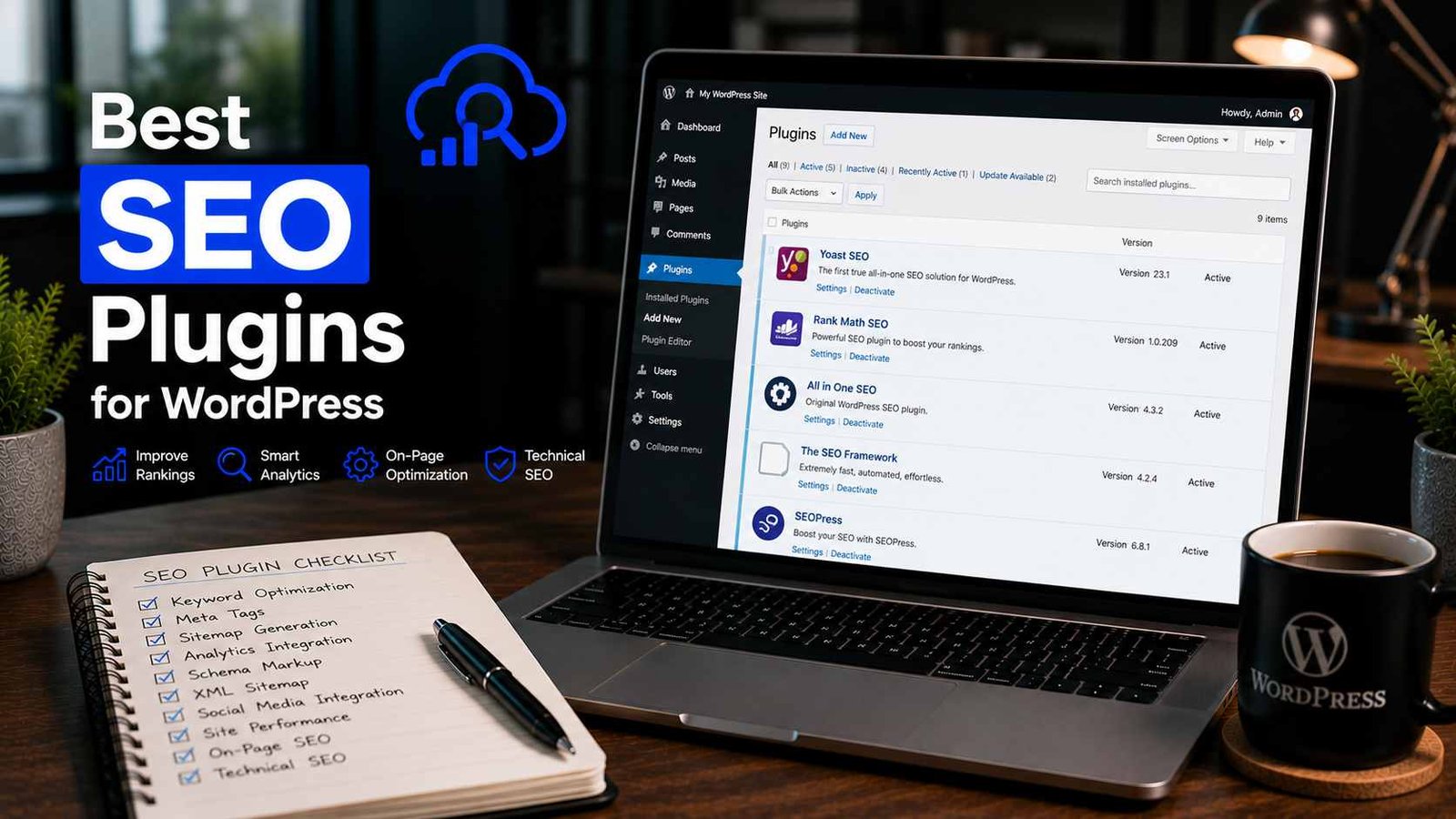

Best SEO Plugins for WordPress
I spent six months optimizing the wrong things.
My second blog was getting zero organic traffic and I was convinced the problem was my content. So I rewrote posts, changed headlines, made everything longer. Still nothing.
Then a developer friend looked at my site for ten minutes and pointed at my WordPress dashboard. “You have no sitemap submitted to Google. Your meta titles are all defaulting to the post name with no structure. And you have three SEO plugins installed simultaneously.”
Three. At the same time. Running against each other, creating duplicate meta tags, confusing every crawler that visited my site.
I felt equal parts embarrassed and relieved. The content wasn’t the problem — the foundation was broken. Once I cleaned it up, installed one proper SEO plugin, and configured it correctly, I started seeing Google traffic within eight weeks.
Since that painful lesson, I’ve become almost obsessive about WordPress SEO plugins. I’ve tested most of the major ones across multiple sites, in different niches, with different hosting setups. Here’s what I actually think — no affiliate agenda, just honest experience.
The One Rule Before We Start
Install exactly one SEO plugin.
Not two. Not “Rank Math for posts and Yoast for technical stuff.” One.
Every major SEO plugin handles the full stack — sitemaps, meta tags, schema markup, redirects, Open Graph data. When two are active simultaneously, they both try to write to the same parts of your site. The result is duplicate meta descriptions, conflicting sitemaps, and technical errors that are genuinely hard to diagnose.
I’ve seen this mistake on at least a dozen sites I’ve helped fix. It’s more common than you’d think, especially when someone switches plugins without fully deactivating the old one.
Pick one from this list, configure it properly, and leave it alone.
1. Rank Math — The One I Use and Recommend Most
I’ll lead with my personal pick and explain why.
Rank Math is what I currently run on my main blog and on every client site I set up. I switched from Yoast about 18 months ago after realizing the free version of Rank Math gives you features that would cost real money with other plugins.
What makes it stand out:
The free version includes a redirect manager. That sounds boring until you change a URL on a post with backlinks and watch your traffic drop because you forgot to set up a redirect. Most plugins charge for this. Rank Math gives it free.
Multiple focus keywords per post — up to 5 in the free version. Again, Yoast charges for this. If you’re writing content that targets a primary keyword and several related terms, being able to track optimization across all of them in one panel is genuinely useful.
Schema markup that’s actually usable. Rank Math has a schema generator that lets you add Article, FAQ, HowTo, Recipe, Review, and Product schema without touching any code. I added FAQ schema to eight older posts and three of them picked up rich snippets in search results within two months.
The Analytics dashboard — once you connect Google Search Console — shows you keyword rankings, impressions, clicks, and position changes directly inside WordPress. No tab-switching to Search Console for a basic rank check.
The trade-off:
More features means more settings, which means more ways to misconfigure things if you’re not paying attention. The first time I set up Rank Math, I accidentally noindexed my entire blog archive because I misread a toggle. Took me a day to figure out why Google had stopped crawling new posts.
If you’re comfortable spending 30 minutes in the settings to understand what everything does, Rank Math rewards that investment significantly.
Pricing: Free version is excellent. Rank Math Pro starts at $6.99/month (billed annually) and adds advanced schema, more keyword tracking, WooCommerce SEO, and a content AI feature.
Best for: Bloggers, content sites, anyone who wants professional-grade SEO features without a professional-grade price.
2. Yoast SEO — The Reliable Veteran
Yoast has been around since 2010. It’s installed on more than 10 million WordPress sites. For a lot of bloggers, it’s simply “the SEO plugin” — the thing you install without questioning because everyone uses it.
And honestly? That reputation is earned. Yoast works. It’s stable, well-documented, actively maintained, and integrates cleanly with almost every WordPress theme and plugin stack I’ve thrown it at.
What Yoast does particularly well:
The readability analysis is genuinely thoughtful. It checks sentence length, paragraph length, use of transition words, passive voice percentage, and subheading distribution. I’ve disagreed with its suggestions plenty of times, but having that real-time feedback while writing has made me a more readable writer over time — even when I ignore specific recommendations.
The setup wizard is the most beginner-friendly of any SEO plugin. If you’re setting up WordPress for the first time and want something that guides you through configuration without assuming you know what a canonical tag is, Yoast is the smoothest onboarding experience available.
Technical SEO is solid and reliable. Sitemaps work correctly out of the box. Breadcrumbs are easy to enable. Open Graph tags are handled automatically.
Where Yoast frustrates me:
The free version’s limitations feel artificially constructed to push upgrades. Multiple focus keywords, redirect manager, internal linking suggestions — these are features that Rank Math gives you free and Yoast saves for Yoast Premium ($99/year for a single site).
The interface has also gotten slightly cluttered over the years. There are a lot of options and some of them are harder to find than they used to be.
Pricing: Free version covers all the basics. Yoast Premium is $99/year for one site — more expensive than comparable options.
Best for: Beginners who want guided setup, writers who benefit from readability coaching, sites that prioritize stability and documentation over feature count.
3. All in One SEO (AIOSEO) — The Underrated One
All in One SEO doesn’t get talked about as much as Rank Math or Yoast, and I genuinely don’t understand why. It’s been around since 2007 and has been significantly improved in recent years.
I used AIOSEO on a client’s local business site for about eight months and came away genuinely impressed.
What AIOSEO does well:
The local SEO features in the pro version are the best I’ve seen in any WordPress plugin. If you’re running a local business blog — a restaurant, a law firm, a dental practice — AIOSEO handles local business schema, Google Business Profile integration, and location-based SEO in a way that Rank Math and Yoast simply don’t match at the same price point.
The TruSEO score system is similar to Rank Math’s score but with slightly different weighting. I found it gave more actionable suggestions for technical issues, while Rank Math’s felt more content-focused.
Smart XML Sitemaps let you include or exclude specific post types, categories, and individual posts with granular control. More flexibility than Yoast, comparable to Rank Math.
The Link Assistant (in the pro version) scans your content and suggests internal linking opportunities. This is genuinely useful when you have a lot of content and want to improve your internal link structure without manually auditing every post.
The catch:
The free version is more limited than Rank Math’s free tier. You get the essentials — meta tags, sitemap, basic schema — but features like the redirect manager and advanced schema require the pro plan, which starts at $49.60/year.
Pricing: Free version covers basics. Pro starts at $49.60/year.
Best for: Local businesses, e-commerce sites with WordPress blogs, users who want a clean interface with strong technical SEO options.
4. The SEO Framework — For the Speed-Obsessed
The SEO Framework is a plugin I discovered through a developer forum thread about WordPress performance optimization. Someone was asking about SEO plugins that added the least overhead to page load times, and The SEO Framework came up repeatedly.
I tested it on a performance-critical project — a blog where we were trying to keep every page under 1 second load time — and it genuinely impressed me.
What makes it different:
It’s lightweight in a way other SEO plugins aren’t. No tracking, no phone-home scripts, no upsell notifications inside the dashboard. It just does the technical SEO work quietly in the background.
The Automated SEO approach means it generates smart defaults for titles and meta descriptions based on your content rather than requiring you to manually fill in every field. For a site with hundreds of posts, this saves significant time.
It’s also one of the most accessibility-focused SEO plugins available. The interface is clean, keyboard-navigable, and doesn’t rely on flashy visuals to explain what it’s doing.
The trade-off:
The in-editor experience is more minimal than Rank Math or Yoast. There’s no content analysis score, no color-coded checklist while you write. If you depend on that kind of guidance while creating content, The SEO Framework will feel bare.
The extension ecosystem (for advanced features like local SEO, AMP support, or e-commerce optimization) requires a paid subscription.
Pricing: Free core plugin. Extensions Club starts at $84/year.
Best for: Developers, performance-obsessed site owners, blogs with large content archives where automated defaults save significant time.
5. Slim SEO — When You Want the Minimum That Actually Works
I want to include this one for a specific audience: people who just want SEO basics handled without any configuration at all.
Slim SEO does almost everything automatically. You install it, activate it, and it silently handles meta tags, Open Graph, Twitter Cards, schema markup, breadcrumbs, and sitemaps — all based on smart defaults — without you opening a single settings panel.
There’s almost nothing to configure. That’s the entire point.
I used Slim SEO on a site I built for a family member who needed a WordPress blog but had zero interest in learning any of the technical side. She wanted to write posts. That’s it. Slim SEO was perfect — it got out of her way completely.
The trade-off:
“Zero configuration” means “no control.” You can’t set custom meta descriptions per post (well, you can in a basic way, but the customization is limited). You can’t do advanced schema markup. You can’t manage redirects. If you ever want to do anything beyond the basics, you’ll hit a wall.
Pricing: Free for the core. A premium extension pack is available for advanced features.
Best for: Hobbyist bloggers, simple sites, anyone who just wants SEO covered without learning anything about it.
Head-to-Head Comparison
| Plugin | Free Version | Best Feature | Best For |
|---|---|---|---|
| Rank Math | ⭐ Excellent | Schema + Analytics | Bloggers, content sites |
| Yoast SEO | ✅ Good | Readability analysis | Beginners, writers |
| AIOSEO | ✅ Good | Local SEO features | Local business, eCommerce |
| SEO Framework | ✅ Good | Speed + automation | Developers, large sites |
| Slim SEO | ✅ Good | Zero configuration | Simple blogs, beginners |
Mistakes That Are Way Too Common
Installing two SEO plugins at once. I’ve said this already and I’ll say it again because I keep seeing it. One plugin. Always.
Switching plugins without importing data. If you switch from Yoast to Rank Math, use Rank Math’s built-in import tool. If you just deactivate Yoast and activate Rank Math without importing, all your manually written meta descriptions are gone.
Never checking what’s actually indexed. Installing an SEO plugin and thinking you’re done is like buying a gym membership and assuming you’re getting fit. After setup, go to Google Search Console (it’s free) and check whether your pages are actually being indexed correctly. I’ve seen sites where the entire blog was accidentally set to noindex — the SEO plugin was installed, but a single misconfigured toggle meant Google wasn’t crawling any of it.
Treating the plugin score as a ranking guarantee. A Rank Math score of 95 doesn’t mean your post will rank on page one. The score measures whether you’ve followed SEO best practices — it can’t measure search intent match, content quality, or domain authority. Use the score as a checklist, not a promise.
Ignoring plugin updates. SEO plugins update frequently because Google’s algorithms update frequently. An outdated SEO plugin might be generating schema markup or sitemap formats that are no longer optimal. Keep it updated.
Which One Should You Actually Install?
Here’s my honest decision tree:
You’re a blogger or content creator and you want the most features for free → Rank Math.
You’re brand new to WordPress and want the most guided experience → Yoast SEO.
You’re running a local business website or an online store → All in One SEO Pro.
You’re a developer or you care deeply about site speed → The SEO Framework.
You want to write and never think about SEO settings → Slim SEO.
Any of these will serve you significantly better than no SEO plugin at all — which, surprisingly, is still how a lot of WordPress sites are running. Default WordPress without an SEO plugin has no sitemap, no meta descriptions, no schema markup, and no Open Graph data. Even the most basic plugin setup is a massive improvement over that.
Pick one. Configure it properly once. Then focus your energy on writing content worth ranking.
That’s still the actual work.
Any Question? Contact Us
