
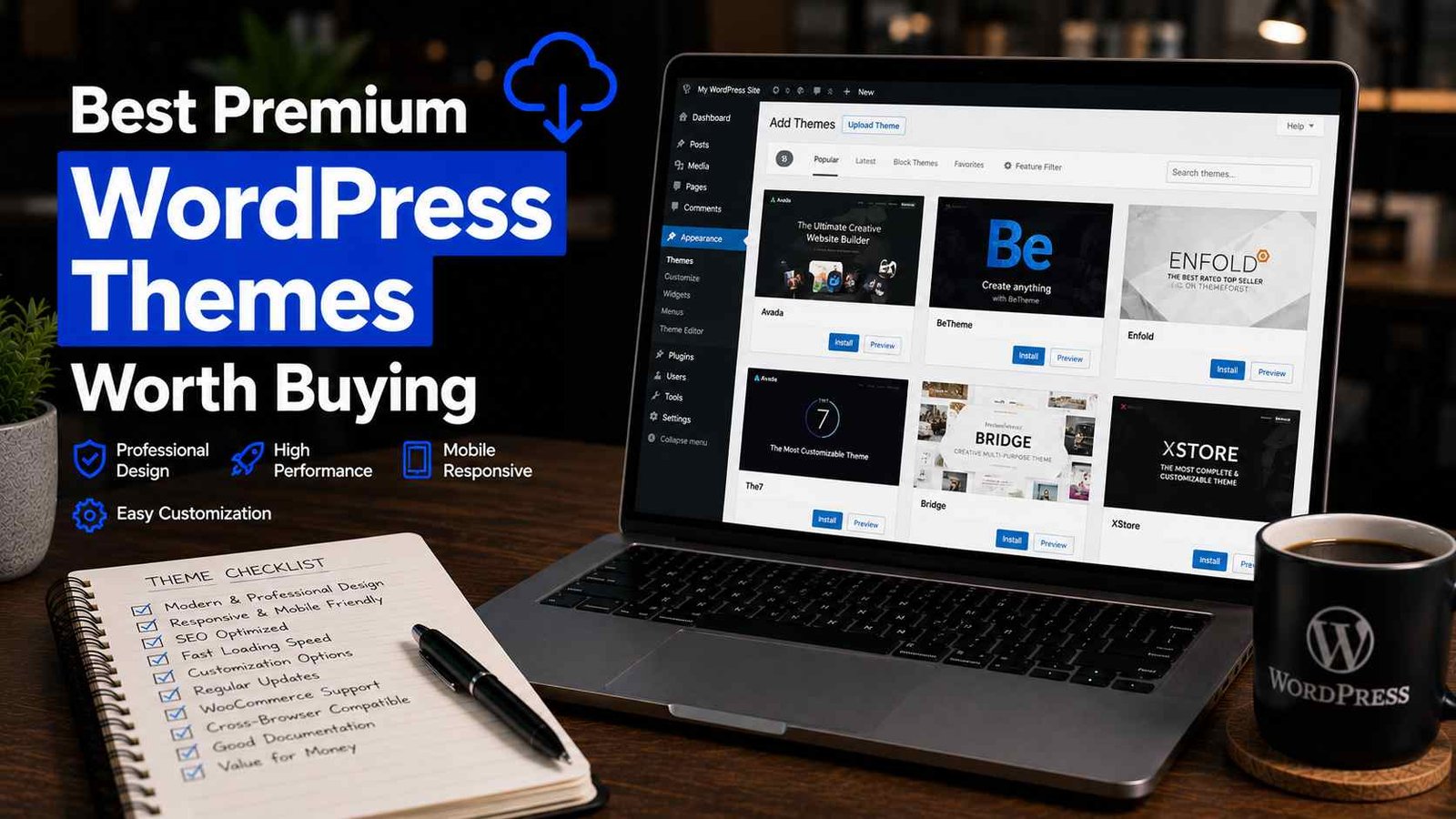

Best Premium WordPress Themes Worth Buying
I’ve probably bought close to 20 premium WordPress themes over the years. If I’m being honest, I actively regret buying at least half of them.
There was one in particular — a “multipurpose” theme that promised to do absolutely everything, from restaurant sites to online stores to portfolios. I bought it for a client project because the demo looked incredible. Three weeks in, I was fighting with bloated code, a 6-second load time, and a support team that took four days to respond to a basic question. I ended up rebuilding the entire site with a different theme, and ate the cost of those wasted hours myself.
That experience changed how I shop for themes completely. Now when I recommend a premium theme to someone, it’s because I’ve actually used it on a real project, not because the demo screenshots looked nice.
So this isn’t a generic “top 10 themes” list pulled from other articles. These are themes I’ve personally built sites with, the situations where they actually make sense, and a few warnings about traps I’ve fallen into myself.
Why Pay for a Theme At All?
Before getting into specific recommendations, let’s address the obvious question — WordPress has thousands of free themes. Why spend $59-$249 on a premium one?
In my experience, the difference usually comes down to three things: design flexibility, dedicated support, and ongoing updates.
Free themes are often built by individual developers who may or may not keep maintaining them. Premium themes from established companies usually come with regular updates, real customer support, and documentation that actually answers your questions instead of leaving you guessing.
That said — and this is important — paying more doesn’t automatically mean better. I’ve used free themes (Astra’s free version, GeneratePress free) that outperform plenty of premium options in speed and reliability.
The Themes I’ve Actually Used and Would Recommend
Astra Pro
This is probably the theme I install most often for client sites these days, and for good reason.
Astra is lightweight — the free version alone loads incredibly fast — and the Pro add-on unlocks deeper customization, WooCommerce features, and pre-built site templates called “Starter Templates” that you can import and customize instead of building from scratch.
I used Astra Pro for a local business client’s site last year. We picked a starter template close to what they wanted, customized colors and content in about two hours, and had a fully functional, fast-loading site by the end of the day. Their PageSpeed score came in around 88 on mobile without any special optimization beyond what Astra already handles.
Best for: Small business sites, blogs, anyone who wants speed without sacrificing design flexibility. Pricing starts around $59/year.
GeneratePress Premium
If Astra is the popular choice, GeneratePress is the one developers tend to love quietly in the background.
It’s even more minimal than Astra in terms of bloat, and the premium add-ons give you very granular control over typography, spacing, and layout without adding unnecessary code weight.
I switched one of my own niche blogs to GeneratePress Premium specifically because I wanted full control over typography without dealing with a clunky page builder. The learning curve is slightly steeper than Astra, but the result is one of the cleanest, fastest sites I run.
Best for: Bloggers and developers who want maximum performance and don’t mind a bit more hands-on customization. One-time pricing around $59/year, or lifetime options available.
Kadence
Kadence has become my go-to recommendation for clients who want a more design-forward site without jumping into a heavier builder like Divi.
It pairs really well with the Kadence Blocks plugin, giving you a near page-builder experience while staying within the WordPress block editor (Gutenberg) instead of relying on a separate page builder plugin. That matters more than people realize — fewer plugin dependencies generally means fewer things that can break during updates.
I built an online course landing page using Kadence last year, and the flexibility to create custom sections without slowing the site down impressed me. It handled everything from pricing tables to testimonial sliders without needing a dozen extra plugins.
Best for: Course creators, coaches, service businesses that want a polished, modern look. Pricing starts around $59/year.
Divi (by Elegant Themes)
Divi is a bit of a different beast — it’s less a traditional theme and more a full visual builder ecosystem.
I have mixed feelings here, honestly. Divi gives you incredible visual control, drag-and-drop everything, and a massive library of pre-made layouts. For clients who want heavy involvement in designing their own site without touching code, it’s genuinely impressive.
But I’ve also seen Divi sites get bloated and slow if you’re not careful with optimization. One agency I consulted for had a Divi site loading in over 8 seconds because of unoptimized images and excessive module nesting. After cleanup and proper caching, we got it down to about 3 seconds — better, but still not as fast as a Kadence or Astra build with similar content.
Best for: Users who want complete visual control and don’t mind investing time in performance optimization. Pricing around $89/year or a lifetime option around $249.
Flatsome (for WooCommerce)
If you’re building a WooCommerce store specifically, Flatsome deserves a mention. It’s one of the best-selling themes on ThemeForest for a reason — it’s built specifically with e-commerce in mind, with strong product page layouts, built-in UX features like live search and quick view, and solid documentation.
I used Flatsome for a small online boutique client, and the built-in WooCommerce styling saved a significant amount of custom CSS work I would have otherwise had to do manually.
Best for: Online stores specifically. One-time price around $59 on ThemeForest.
How I Actually Evaluate a Theme Before Buying
Here’s the checklist I run through now, after learning the hard way:
Check the demo on mobile, not just desktop. Plenty of demos look stunning on a big monitor and fall apart on a phone screen. Always check responsiveness yourself.
Look at the changelog. Every reputable theme has a changelog showing update history. If the last update was over a year ago, that’s a red flag regardless of how good the demo looks.
Read recent reviews, not just the overall rating. On ThemeForest specifically, sort reviews by “most recent” and read the last 10-15. This tells you about current support quality and any recent bugs, rather than relying on an average built up over years.
Test the demo’s actual load speed. Run the live demo URL through Google PageSpeed Insights or GTmetrix before buying. If the official demo is slow, your finished site (with your own content, images, and plugins on top) will likely be worse.
Check what page builder it requires, if any. Some themes are tied to specific page builders (Elementor, WPBakery, the theme’s own custom builder). Make sure you’re comfortable with that tool, because switching later is painful.
Mistakes I’ve Made Buying Themes (So You Don’t Repeat Them)
Buying based on the demo alone. That multipurpose theme disaster I mentioned at the start — gorgeous demo, terrible real-world performance. Always dig deeper than the screenshots.
Ignoring how many active plugins a theme secretly requires. Some themes look amazing in the demo because they’re bundling 8-10 plugins behind the scenes. Once you start removing the ones you don’t need, things can break.
Not checking license terms before buying for a client. Some licenses are single-site only, while others (Astra, GeneratePress) offer unlimited site usage. If you’re an agency or freelancer like me, this matters a lot for cost calculations.
Assuming more expensive means better. I’ve paid $249 for lifetime access to a builder I barely use anymore, while a $59/year theme has been running three of my active sites flawlessly.
Not testing theme switching ahead of time. If you’re migrating an existing site to a new theme, always test it on a staging copy first. Content can break in unexpected ways depending on how the old theme structured things.
Final Thoughts
After all the trial and error, my honest recommendation depends entirely on what you’re building. For speed and simplicity, Astra Pro or GeneratePress Premium are hard to beat. For more design-forward client work, Kadence has become my default. For visual builders, Divi works if you’re willing to put in optimization effort. And for stores specifically, Flatsome earns its reputation.
What I’d tell anyone buying a premium theme for the first time is this: don’t fall for the demo the way I did with that multipurpose disaster years ago. Dig into the changelog, test the speed, read recent reviews, and make sure the theme fits what you’re actually building — not just what looks impressive on a sales page.
A good theme should feel invisible once your site is live. You shouldn’t be fighting it every time you want to make a change. That’s really the test that matters more than any feature list.
Any Question? Contact Us
