
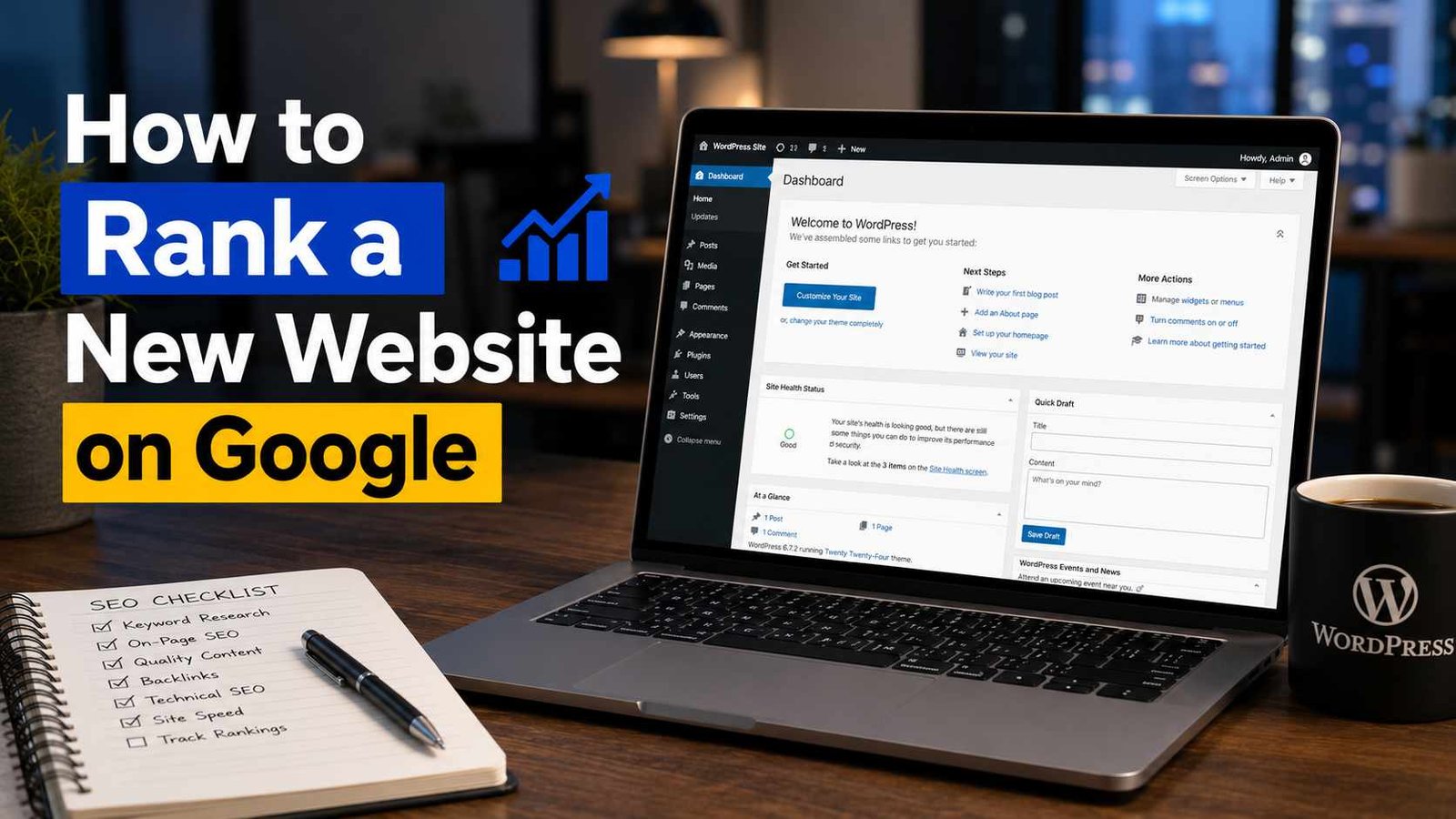

I still remember refreshing Google Search Console every single day for the first three months after launching my first blog. Zero clicks. Zero impressions. Some days, one impression — probably just me checking if my own site was indexed.
It was honestly demoralizing. I’d written what I thought were “good” articles, hit publish, and just… waited. Nothing happened. I started Googling things like “why is my website not showing up on Google” at 1 AM, convinced something was broken.
Turns out, nothing was broken. I just didn’t understand how ranking actually works — and I made almost every beginner mistake possible along the way. This post is everything I wish someone had explained to me back then, minus the fluff.
The Big Misconception I Had
I genuinely believed that once you publish a blog post, Google “finds” it and ranks it within a few days if it’s good enough.
That’s… not really how it works, at least not for new websites with zero history. New sites don’t have what’s often called “domain authority” or trust built up yet. Google has no idea if your site is reliable, spammy, or even real. So even a genuinely great article on a brand-new domain often takes weeks or months to show any real movement.
Once I accepted this, my whole approach changed — and honestly, my stress levels went down too.
Step 1: Get Indexed First (This Sounds Obvious But Isn’t)
Before your site can rank for anything, Google needs to actually know it exists. This is called indexing.
Here’s what I do for every new site now:
- Set up Google Search Console (it’s free, just go to search.google.com/search-console and verify your site using your domain or HTML file).
- Submit your sitemap. If you’re on WordPress, plugins like Rank Math or Yoast SEO generate this automatically — usually found at
yourdomain.com/sitemap_index.xml. - Use the “URL Inspection” tool in Search Console to manually request indexing for your important pages.
When I skipped this step on an early site, some pages took weeks to get indexed naturally. On a more recent project, I submitted the sitemap on day one, and most pages were indexed within 2-3 days. Small step, big difference.
Step 2: Stop Writing for Robots, Start Writing for People (But Understand Search Intent)
This one took me embarrassingly long to figure out.
Early on, I’d stuff keywords into my posts because some old SEO guide told me to repeat my main keyword “3-5 times per 100 words.” My writing sounded awkward and robotic, and unsurprisingly, it didn’t rank.
What actually works is understanding search intent — basically, what is someone actually looking for when they type a specific phrase into Google?
For example, someone searching “best running shoes for beginners” probably wants a list with recommendations and maybe some buying advice. If your article is instead a personal story about your running journey with no actual shoe recommendations, it won’t satisfy that intent — no matter how well-written it is.
Before writing any post now, I literally Google the topic myself and look at what’s already ranking on page one. Not to copy it, but to understand what format and depth Google considers “satisfying” for that search.
Step 3: Focus on One Keyword Per Page (Without Obsessing Over It)
I used to try cramming multiple unrelated topics into one post, thinking more keywords meant more chances to rank.
Instead, what tends to work better is picking one main topic per page and building the content naturally around it — including related terms and questions people might have, without forcing exact keyword matches everywhere.
Tools like Google Keyword Planner (free with a Google Ads account) or Ubersuggest can help you see roughly how many people search for certain terms each month. You don’t need expensive tools when you’re starting out — even just typing your topic into Google and looking at the “People also ask” section gives you solid ideas for subtopics to cover.
Step 4: On-Page SEO Basics (The Stuff That Actually Matters)
This part sounds technical, but it’s pretty simple once you’ve done it a few times.
- Title tag: Should include your main topic naturally, and ideally make someone want to click. “How to Rank a New Website on Google” is more compelling than “Website Ranking Guide.”
- Meta description: A short summary that shows up under your title in search results. Doesn’t directly affect rankings much, but affects whether people click.
- Headings (H1, H2, H3): Helps both readers and Google understand your content’s structure. I used to ignore this completely, and my posts were just giant walls of text — not great for readability or SEO.
- Internal links: Link to your other relevant posts. This helps Google understand your site’s structure and keeps visitors browsing longer.
- Image alt text: Briefly describe what’s in your images. Small thing, but it adds up, especially for image search traffic.
Step 5: Page Speed and Mobile-Friendliness
I genuinely didn’t think this mattered much until I checked my site on Google PageSpeed Insights and saw a painfully low score, especially on mobile.
Turns out, I had uncompressed images that were each several megabytes in size — way overkill for a website. After compressing images using a free tool like TinyPNG and switching to a lighter WordPress theme (I use Astra now), my load times improved significantly, and mobile usability issues in Search Console cleared up too.
Since most people browse from their phones these days, if your site looks broken or loads slowly on mobile, that’s a real problem — both for rankings and for keeping visitors around.
Step 6: Backlinks — The Part Everyone Talks About But Few Explain Well
Backlinks are basically other websites linking to yours. Google treats this somewhat like a vote of confidence — if other (especially reputable) sites are linking to you, it signals your content might be worth showing to more people.
Here’s the honest truth though: as a brand-new site, you’re not getting backlinks from big websites easily, and that’s okay.
What actually worked for me early on:
- Getting listed in relevant online directories for my niche
- Guest posting on smaller, relevant blogs (genuinely helpful posts, not spammy ones)
- Sharing my content in relevant online communities — not spamming links, but actually participating in discussions and sharing when genuinely relevant
I want to be clear here: avoid buying backlinks or using “link farms” that promise hundreds of backlinks overnight. I tried this once on a test site out of curiosity, and instead of helping, the site’s rankings actually dropped after a Google update. Not worth the risk.
Step 7: Be Patient, But Stay Consistent
This is the step nobody wants to hear, but it’s the most important one.
My first site that actually started getting consistent organic traffic didn’t happen overnight. It took roughly 4-6 months of consistent posting — about 2-3 articles per week — before I started seeing steady impressions and clicks in Search Console.
What helped was treating it like a long-term project rather than expecting quick results. I tracked my progress monthly rather than daily, which honestly helped my sanity a lot.
A Real Example From My Own Experience
For my affiliate site, I wrote a fairly detailed comparison article targeting a specific, slightly less competitive keyword (instead of going after huge, highly competitive terms right away). The article was well-structured, answered the actual question people were searching for, and included internal links to related posts.
That single article started ranking on page 2 within about 6 weeks, then slowly moved to page 1 around the 3-month mark after I updated it slightly and added a couple more relevant sections based on what I noticed people were also searching for.
Compare that to an earlier post I wrote targeting a massive, highly competitive keyword with barely any unique angle — that post still hasn’t ranked well, even after a year. The lesson? Sometimes targeting slightly smaller, more specific topics gets you results faster than chasing huge keywords from day one.
Common Mistakes to Avoid
Expecting instant results. New sites need time to build trust with Google. This is normal, not a sign something’s wrong.
Ignoring Search Console. This free tool tells you exactly what’s being indexed, what errors exist, and which queries you’re already showing up for (even if not ranking high yet).
Keyword stuffing. Write naturally. If a sentence sounds awkward because you forced a keyword in, rewrite it.
Neglecting mobile experience. Test your site on your actual phone, not just your laptop.
Chasing backlinks the wrong way. Quality and relevance matter more than quantity, especially for newer sites.
Giving up too early. I almost shut down my first blog around month two because of zero traffic. By month five, things had started moving. Glad I didn’t quit.
Final Thoughts
Ranking a new website on Google isn’t about finding some secret trick — it’s mostly about doing the basics consistently, being patient, and genuinely trying to create content that answers what people are searching for.
If you’re a few weeks or months into your site and seeing little to no traffic, that doesn’t necessarily mean you’re doing something wrong. It might just mean you’re still in that early “building trust” phase that every new site goes through.
Keep showing up, keep refining your content based on what you learn from tools like Search Console, and try not to obsess over daily numbers. That’s pretty much how every site that eventually does well seems to get there — slowly, and then somehow all at once.
Any Question? Contact Us
