
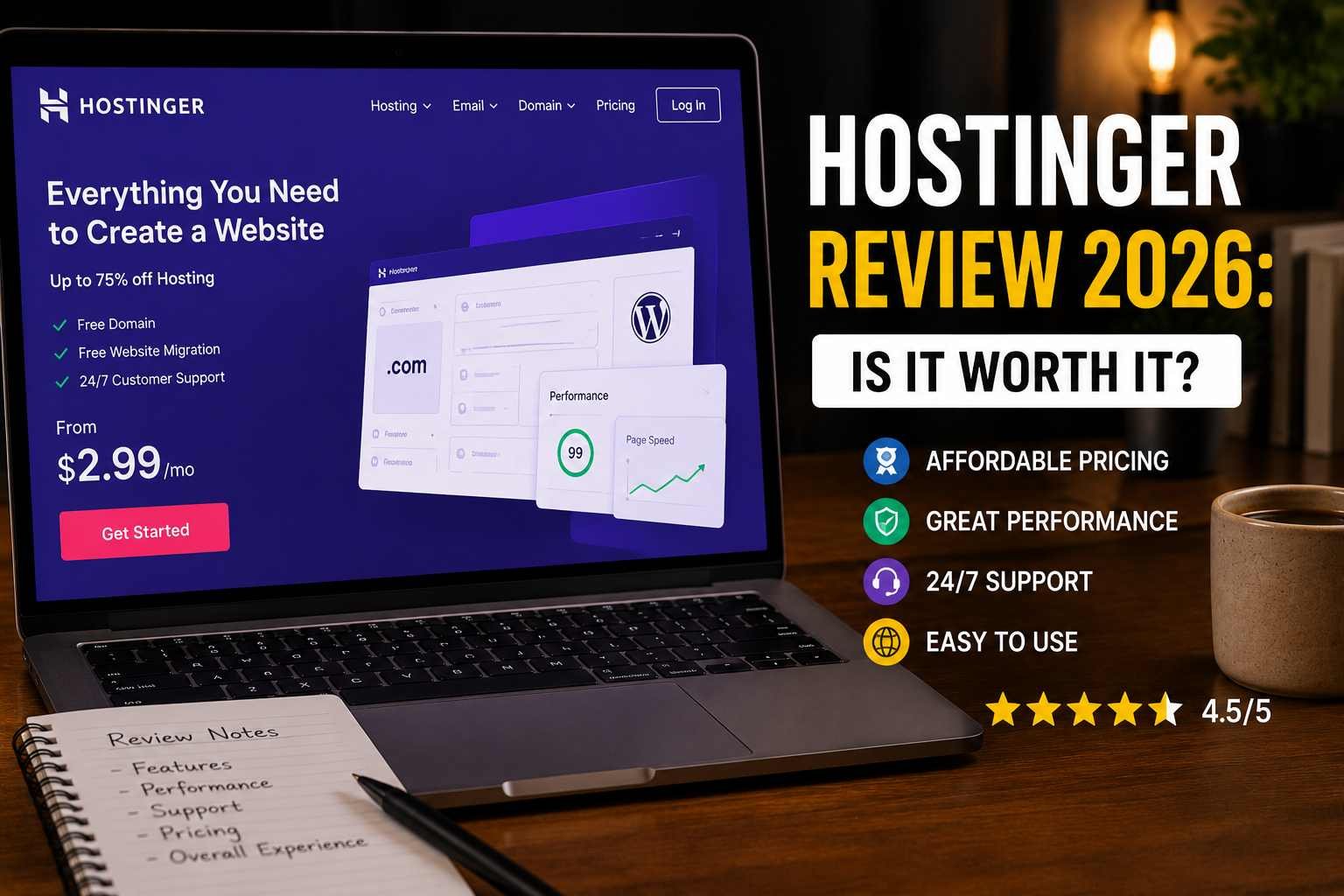

Hostinger Review 2026: Is It Worth It?
A friend messaged me last week asking, “Hey, I’m starting a small online store, should I just go with Hostinger? Everyone on YouTube says it’s the best.” And I get this question a lot, honestly. Every few months someone in my circle is about to launch a blog, a portfolio, or a side business, and Hostinger always comes up.
So instead of giving a quick “yeah it’s fine” reply, I figured I’d actually sit down and write out everything I’ve learned from using Hostinger across multiple sites — some that did great, and one that I genuinely regret setting up the way I did.
This isn’t a “10 reasons Hostinger is amazing” type post. It’s more like what I’d tell you over coffee if you asked whether it’s actually worth your money in 2026.
My Background With Hostinger
I started using Hostinger a few years ago for a personal blog because, frankly, the price was hard to beat compared to the bigger-name hosts I’d been using before. At the time I was paying way more elsewhere for hosting that honestly wasn’t doing anything special.
Since then, I’ve used Hostinger for a travel blog, a small affiliate site, and helped set up a friend’s bakery website on it too. Three very different use cases, and that’s actually given me a decent range of experience to judge it from.
The Good Stuff (Where Hostinger Actually Shines)
1. Pricing That Doesn’t Feel Like a Trap
Let’s be real — price is usually the first thing people care about, especially when starting out and unsure if their website idea will even take off.
Hostinger’s plans are genuinely some of the more affordable options out there, especially if you commit to a longer billing cycle. I’ll be upfront though: the renewal price after your first term is noticeably higher than the introductory price. This isn’t unique to Hostinger — most hosting companies do this — but it caught me off guard the first time, so don’t be surprised when your renewal invoice looks different from what you initially paid.
2. hPanel Is Actually Beginner-Friendly
I remember the first time I logged into cPanel on a different host years ago and just felt overwhelmed by the sheer number of icons and options. Hostinger’s hPanel feels a lot more organized.
Everything from installing WordPress, managing emails, checking website analytics, and even setting up SSL certificates is laid out in a way that doesn’t require a tech degree to understand. When I set up my friend’s bakery site, she was able to log in afterward and update content herself without calling me every five minutes — which says a lot.
3. Speed Has Genuinely Improved
I’m not going to throw exact numbers at you because honestly, site speed depends on so many factors — your theme, plugins, images, and even your visitors’ internet connections.
But from what I’ve personally observed, my sites on Hostinger load noticeably faster than they did on my old host a few years back. They’ve also rolled out LiteSpeed caching and CDN options that, when enabled properly, make a real difference — especially for blogs with a decent amount of images.
4. One-Click WordPress Installation
I wrote a whole separate guide about this because it genuinely impressed me. Setting up WordPress used to take me an entire afternoon of FTP uploads and database configuration headaches. With Hostinger, it’s a few clicks and your site is live in minutes.
If you’re not technical at all, this alone makes Hostinger worth considering.
5. 24/7 Live Chat Support
I’ve used their live chat more times than I’d like to admit — usually late at night when something on my site decided to break right before I needed to publish a post.
Most of the time, the support agents were quick and actually helpful, not just reading from a script. There was one time my SSL certificate wasn’t activating properly, and the support team sorted it out within minutes. That kind of responsiveness matters more than people realize until they actually need it.
Where Hostinger Falls Short (The Honest Part)
1. Shared Hosting Has Limits
Here’s something I learned the hard way. My affiliate site started getting a decent traffic spike after one of my posts ranked well on Google. For a few days, the site felt sluggish during peak hours.
Shared hosting means you’re sharing server resources with other websites. For most small to medium sites, this isn’t a big deal. But if your traffic grows significantly, you’ll eventually need to upgrade to a higher plan, like their Cloud or Business hosting tiers, to keep things running smoothly.
2. Upselling During Checkout
This is a pretty common practice across hosting companies, but it’s worth mentioning. During signup, you’ll likely see add-ons like extra security features, website builders, or professional email services being offered.
Some of these are genuinely useful, but not all of them are necessary right away. I made the mistake early on of adding a few extras I never really used, which bumped up my total cost unnecessarily. My advice: stick to the core hosting plan and domain first, and add extras later only if you actually need them.
3. Email Hosting Limitations on Lower Plans
If having a professional email address (like yourname@yourdomain.com) is important to you, double-check what’s included in your specific plan. On some of the lower-tier plans, email storage and account limits can be more restrictive than you’d expect.
For my bakery client project, we had to look closely at this because she wanted multiple staff emails set up, and the basic plan didn’t quite cover what she needed without an upgrade.
Step-by-Step: How I’d Approach Signing Up Today
If you’re considering Hostinger in 2026 and want to avoid the mistakes I made, here’s roughly how I’d go about it:
- Decide what kind of site you’re building first. A simple blog or portfolio doesn’t need the same resources as an online store with dozens of products.
- Start with a basic shared hosting plan unless you already know you’ll have significant traffic from day one. You can always upgrade later — Hostinger makes this relatively painless.
- Skip unnecessary add-ons at checkout. Stick to hosting and domain registration. Revisit extras like premium email or additional security tools after your site is live and you understand what you actually need.
- Use the one-click WordPress installer if you’re going that route — it really is the easiest part of the whole process.
- Set up your SSL certificate and backups immediately. I can’t stress this enough. These two things take a few minutes to configure but save you from major headaches down the line.
- Monitor your site’s performance after a month or two. If you notice slowdowns during traffic spikes, that’s your signal to consider upgrading your plan rather than ignoring the issue.
A Real Example: My Travel Blog’s Journey
When I started my travel blog, I picked the cheapest Hostinger plan available, thinking it would be more than enough forever. For the first year, it genuinely was — the site loaded fine, and I had no complaints.
But once I started getting featured on a few travel forums and my traffic grew steadily, I noticed occasional slow loading times during evenings (peak browsing hours, apparently). Upgrading to a higher-tier plan fixed this almost immediately, and the cost difference wasn’t as dramatic as I’d feared.
The lesson here isn’t “the cheap plan is bad” — it’s that your hosting needs change as your site grows, and that’s completely normal.
Common Mistakes I’d Tell You to Avoid
Choosing the longest billing cycle without reading the renewal terms. Longer terms do save money upfront, but make sure you’re comfortable with the renewal pricing too.
Ignoring backups until something breaks. I’ve said this before, but it’s worth repeating — set up automatic backups early, even if your site feels “too small” to matter yet.
Not checking resource limits for your specific plan. Things like storage, bandwidth, and number of websites allowed vary between plans, so make sure whatever you pick actually fits your project.
Assuming support will fix everything instantly. Live chat is helpful, but for some issues — especially ones related to your theme or plugins rather than the server itself — you might need to do some troubleshooting yourself first.
So, Is Hostinger Worth It in 2026?
Based on my own experience across a few different projects, yes — for most beginners, small bloggers, and small business owners, Hostinger offers a solid balance of price, ease of use, and decent performance. The hPanel dashboard makes managing your site approachable even if you’re not technical, and the WordPress setup process genuinely saves time.
That said, it’s not magic. If your site grows significantly, you’ll likely need to upgrade your plan at some point — which is true for almost any hosting provider, not just Hostinger.
If you’re just starting out and don’t want to overcommit financially before knowing whether your project will take off, Hostinger is a reasonable, low-risk way to get your site online. Just go in with realistic expectations, skip the unnecessary add-ons at checkout, and keep an eye on your site’s performance as it grows.
That’s pretty much everything I’d want someone to know before signing up — the stuff I wish someone had told me a few years back.
Any Question? Contact Us
